User Management
Creating the First User
Section titled “Creating the First User”The first time you open the Atomic CRM App, you will be prompted to create the first user. This first user will automatically be granted administrator role.
Note: If the application is connected to the production database, the first user will need to validate their account by mail.
Adding Users
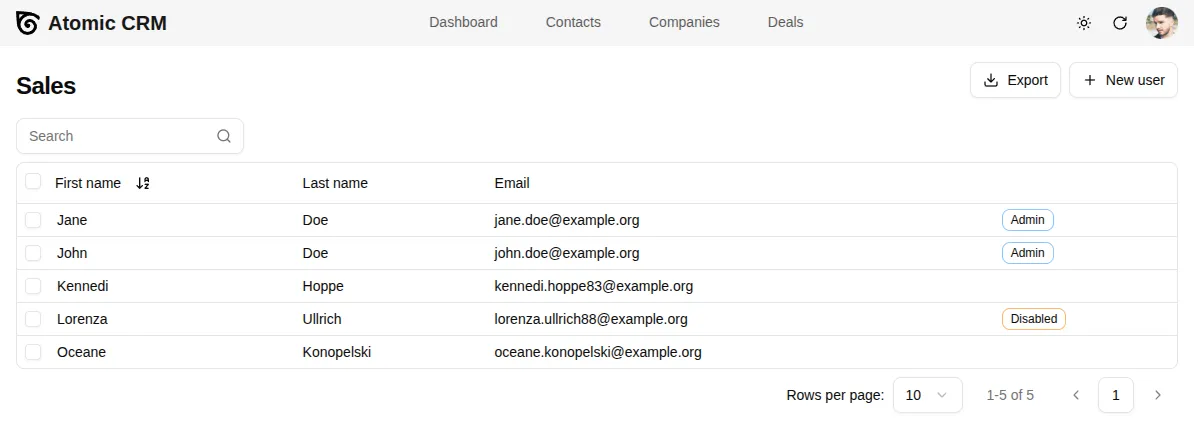
Section titled “Adding Users”Any user with the administrator role can create new users. To do this, click on the avatar in the top right corner and select ‘Users’. From this page, you can add new users, edit existing users, and delete users.