
UX Quest: Train Your Usability Skills

A long time ago, I stumbled upon Can’t Unsee, an in-browser design problem detection game. I found it was a fun way to improve my design skills.
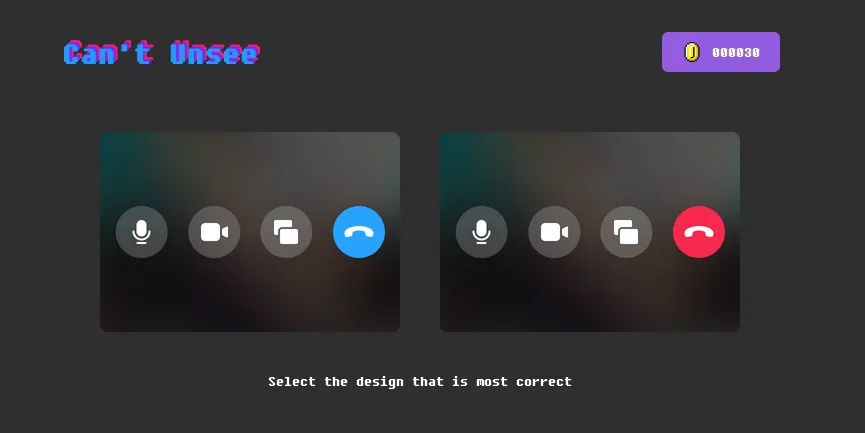
I imagined a similar game for UX, where user interaction is key, to help train my colleagues. Developers sometimes struggle to identify UX problems in their own work. The problem is becoming more pressing as coding agents take on more of the implementation work, but fail to address usability issues. However, building such a game proved difficult at the time.
This changed with AI coding tools and transformers. Not only did the cost of building mini-apps rapidly decrease, but scoring user answers became feasible with an in-browser ML model.
So I built UX Quest, an in-browser game that presents users with a series of mini-apps, each containing a UX problem. The player must identify the issue and select the correct answer from multiple choices. The game provides immediate feedback, allowing players to learn from their mistakes and improve their UX skills over time.
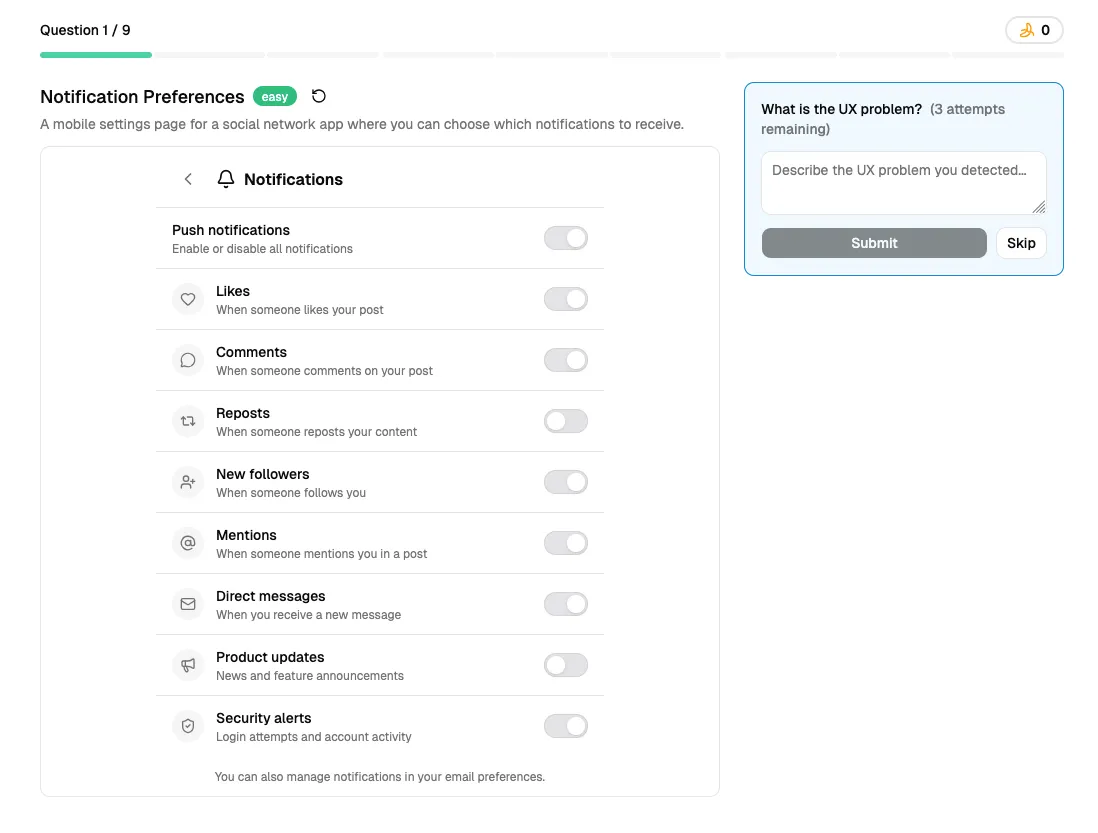
Play the game at https://marmelab.com/ux-quest/.
The game is open source, and contributions are welcome! If you have ideas for new mini-apps or improvements to the game, please submit a pull request on GitHub: marmelab/ux-quest.
This game wouldn’t be possible without AI. First, the game uses a machine learning model to score user answers. This model is small (4MB) and runs in the browser, so it doesn’t require any server-side processing. Second, I used AI to generate most of the mini-apps, which allowed me to represent real-world UX problems, not toy examples.
I hope UX Quest will help developers improve their usability skills and create better user experiences. If you have any feedback or suggestions, please don’t hesitate to reach out!
Authors
Marmelab founder and CEO, passionate about web technologies, agile, sustainability, leadership, and open-source. Lead developer of react-admin, founder of GreenFrame.io, and regular speaker at tech conferences.