Best Open Source CRM for 2026

Looking for a CRM you can actually shape to your needs? We reviewed and compared the top open-source CRMs in 2026 to find the most customizable, developer-friendly choices for small and mid-sized teams.
Who is this benchmark for?
Open-source CRMs are a good option when you have development skills and want a tool you can adapt, extend, and automate.
If you’re only looking for a free CRM and you don’t plan to touch the code, this article is probably not for you. There are many good free tiers on the market, but they’re a different category.
This benchmark is written for technical teams. It focuses on how easy it is to customize the CRM through code, beyond what the user interface allows.
How We Chose the CRMs
We intentionally selected projects that not only publish their source code, but also encourage customization and contributions. That list is smaller than it looks—many tools use “open source” as a marketing term when they really mean “there’s a free plan”, without making code modification a realistic option.
Here are the criteria we used:
- Built for SMBs: Large enterprises often require complex features and dedicated support budgets. We focused on CRMs that make sense for small and medium businesses.
- Truly open source: Each project had to provide a public, easy-to-find source code repository. The repository had to show healthy activity: multiple contributors, regular releases, and fast security fixes.
- Solid developer documentation: We only kept projects with clear, maintained documentation for developers.
- Automation and AI-friendly: We favored CRMs with solid APIs and modular design, making it easy to connect automation tools and AI assistants, and to extend the CRM with coding agents.
- Open community and roadmap: We avoided “source available” projects where development happens privately and the repository is only updated occasionally. We looked for public issue tracking, external contributions, and visible plans.
- Quick local setup: A full-stack developer should be able to install and run the CRM locally in under 30 minutes.
- Straightforward hosting: Some modern stacks are surprisingly painful to deploy. We selected CRMs that can be hosted on a standard Linux server with a simple setup.
- English-first UI: Many CRM projects are tied to a local market and never truly go international. We only included CRMs that support English, ideally along with additional languages.
- Core CRM feature set: Each project needed to include the essential CRM building blocks: contacts, companies, deals, notes, file attachments, and import/export. We excluded overly specialized tools (e.g. only for non-profits or real estate).
Based on these requirements, we kept the following open-source CRMs for evaluation (listed by preference):
The sections that follow provide a detailed comparison of these open-source CRMs, covering features, developer experience, and overall scoring.
Disclaimer: We are the team behind Atomic CRM, one of the products included in this benchmark. We did our best to remain objective, but we are not neutral. We have no affiliation with the other projects listed here.
Twenty
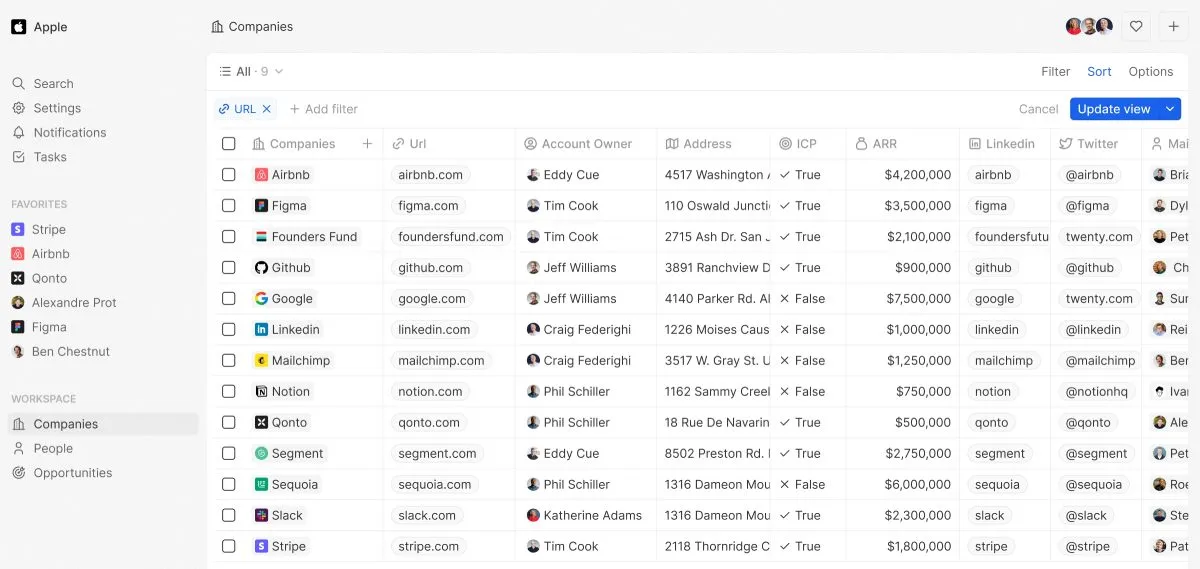
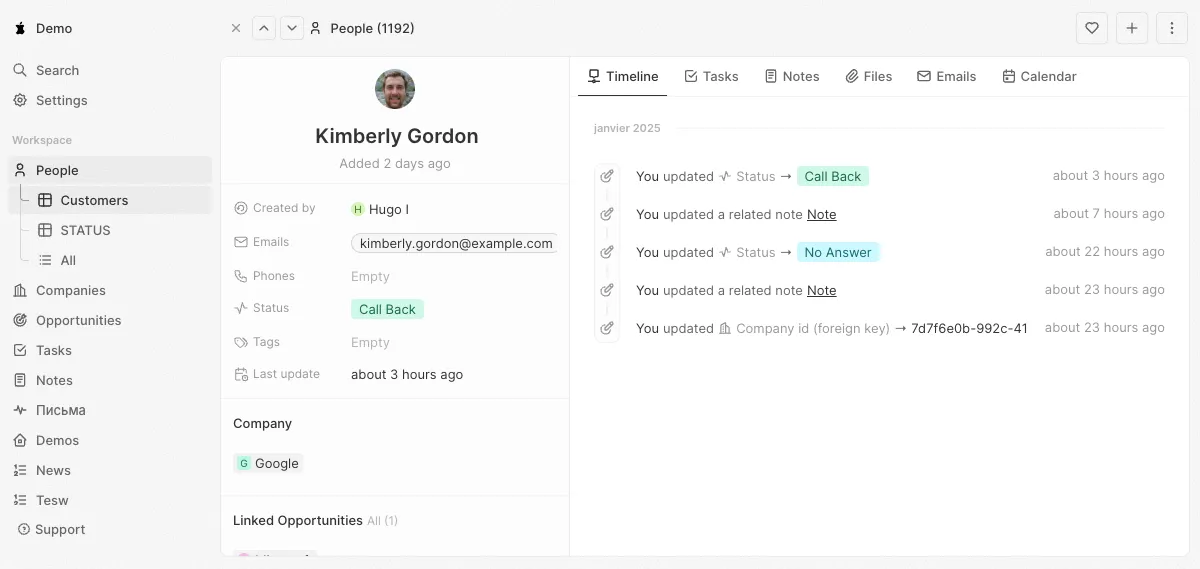
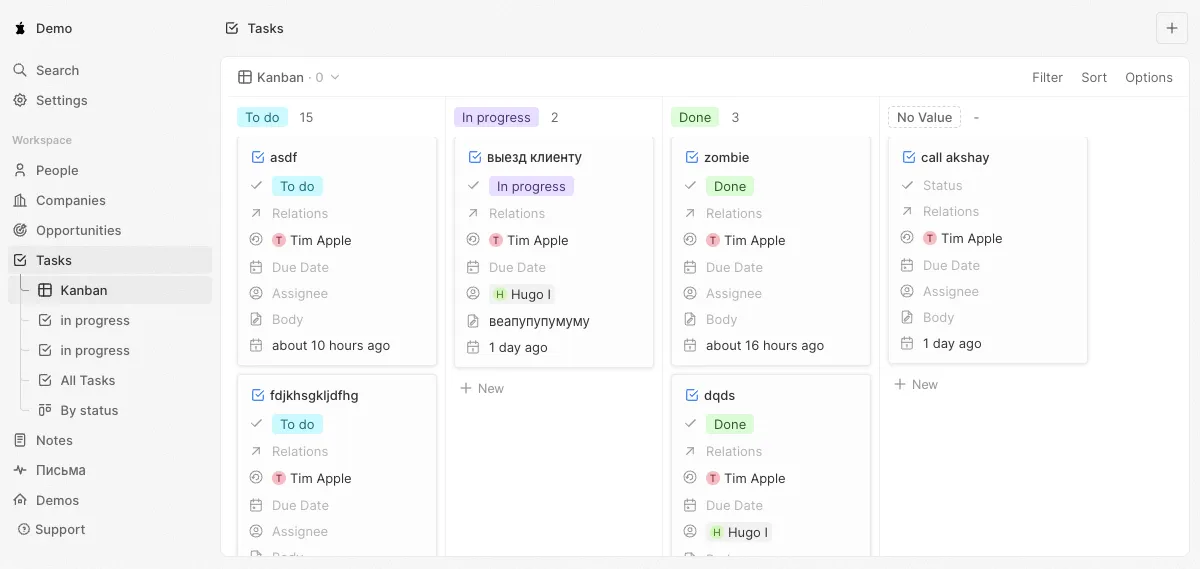
Twenty focuses on the core CRM features (contacts, companies, deals, notes, tasks, workflows) but does them really well. It treats developers as first-class users. Its codebase is clean and well-documented, though relatively large compared to its feature set. Despite being young, it’s already a strong option for small to medium businesses — unfortunately, it uses a contaminating license.
User Experience (UX)
- Custom fields and objects via GUI
- Email & Calendar sync (Google)
- Roles & Permissions
- Visual Workflow builder
- Global search
- Favorites in the sidebar
- Advanced filtering
- Soft delete
- Bulk actions
- User management
- Integrations with Zapier
- Custom time format and timezone support
- List UI is bland
- No SSO or dashboard (Enterprise features)
- No tags
- No charts
- No AI features
Dev. Experience (DX)
- One-line installation
- Self-hosting (docker-compose, terraform)
- GraphQL and REST API
- User impersonation
- Storybook for developing in isolation
- Themeability via styled components
- SPA architecture (Vite)
- Webhooks
- Monorepo
- Figma
- Twenty Apps
- Active repository, many active contributors
- Huge codebase
- Hard to extend beyond data model
- Custom Design System and UI library
- Custom Frontend application framework
- Global state management with Recoil
- No component tests
- Complex server code to build the API
- No package to use, git clone only
Agent Experience (AX)
- Claude.md
- Cursor rules
- No MCP server
- No Agents.md
Atomic CRM
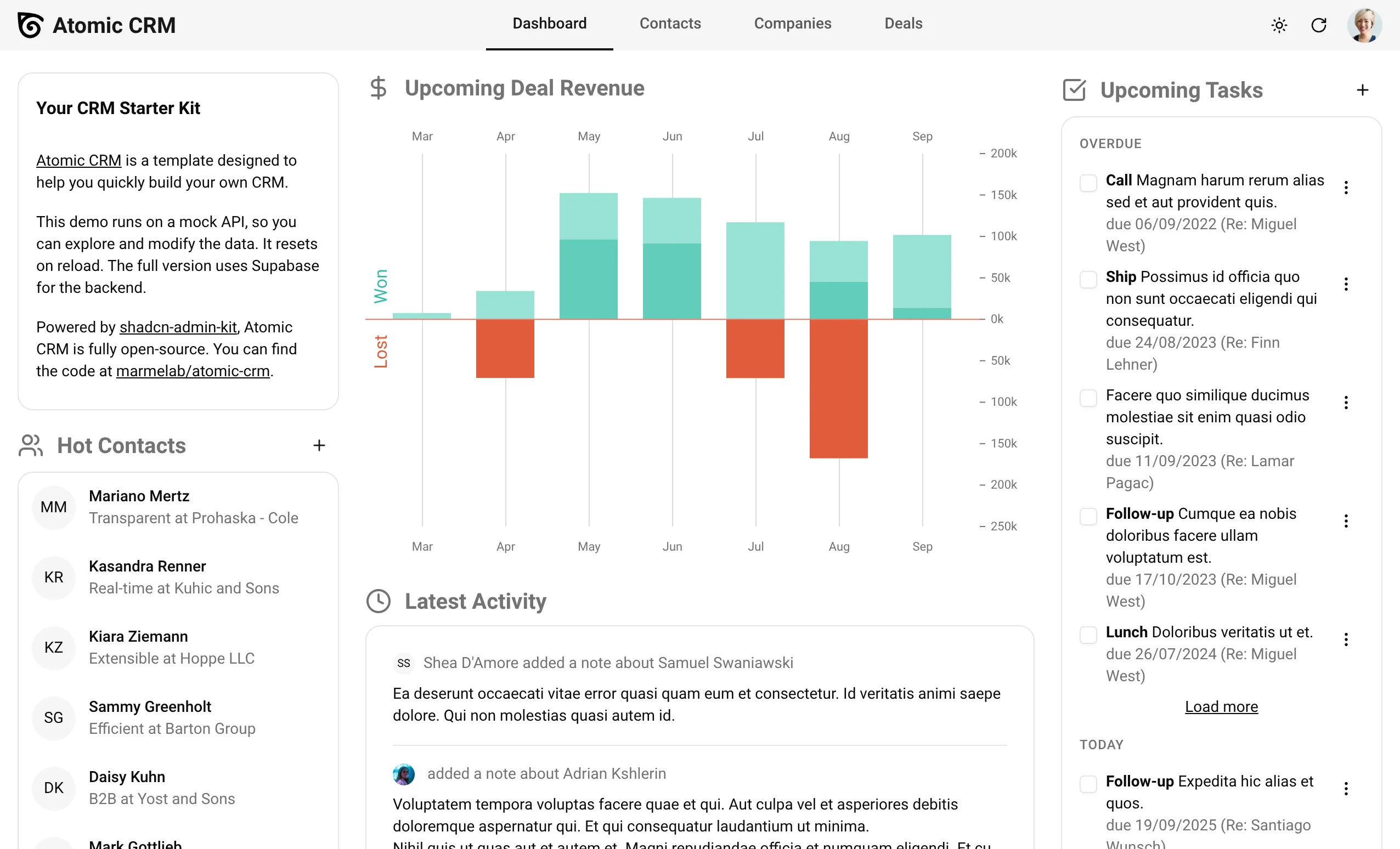
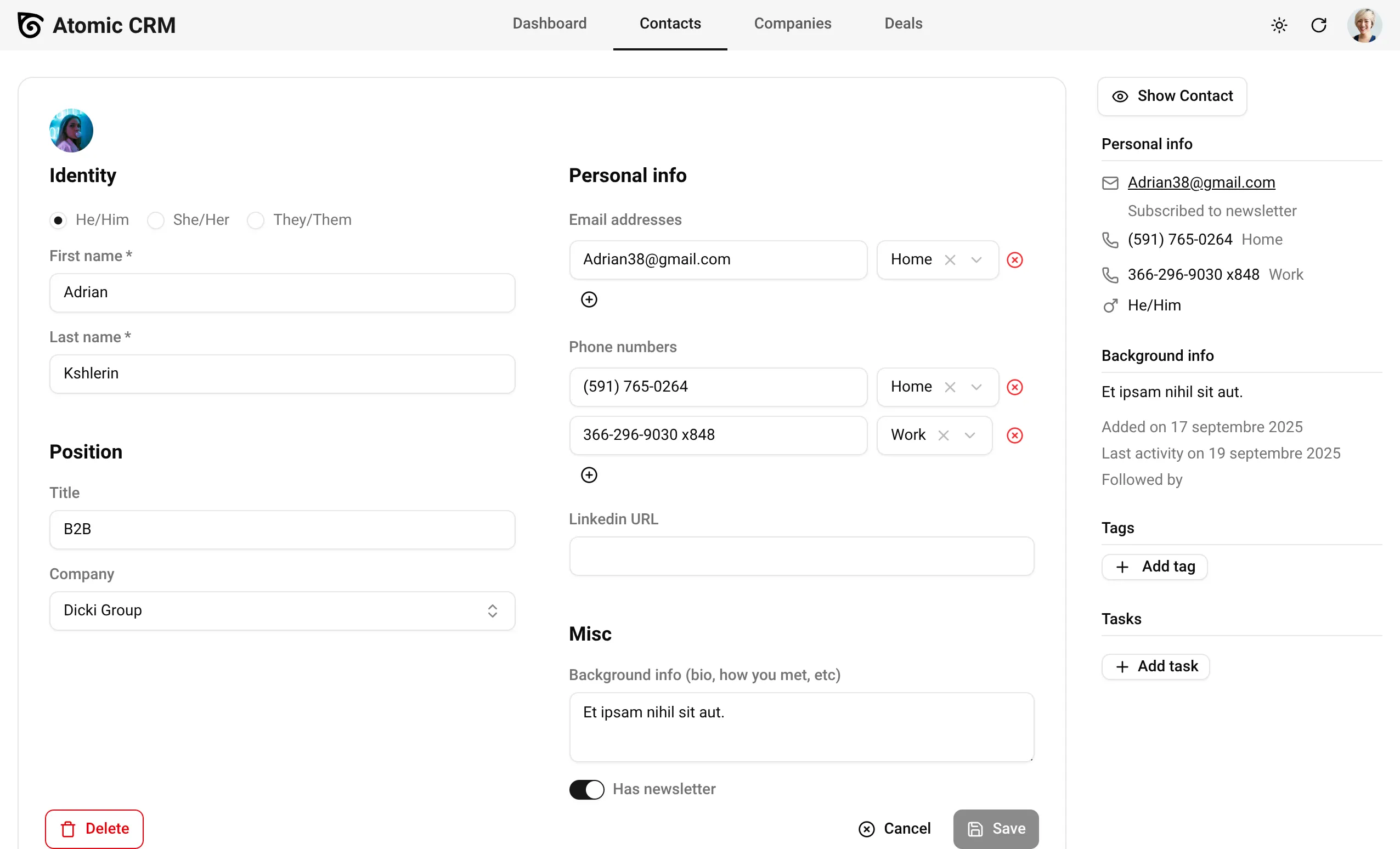
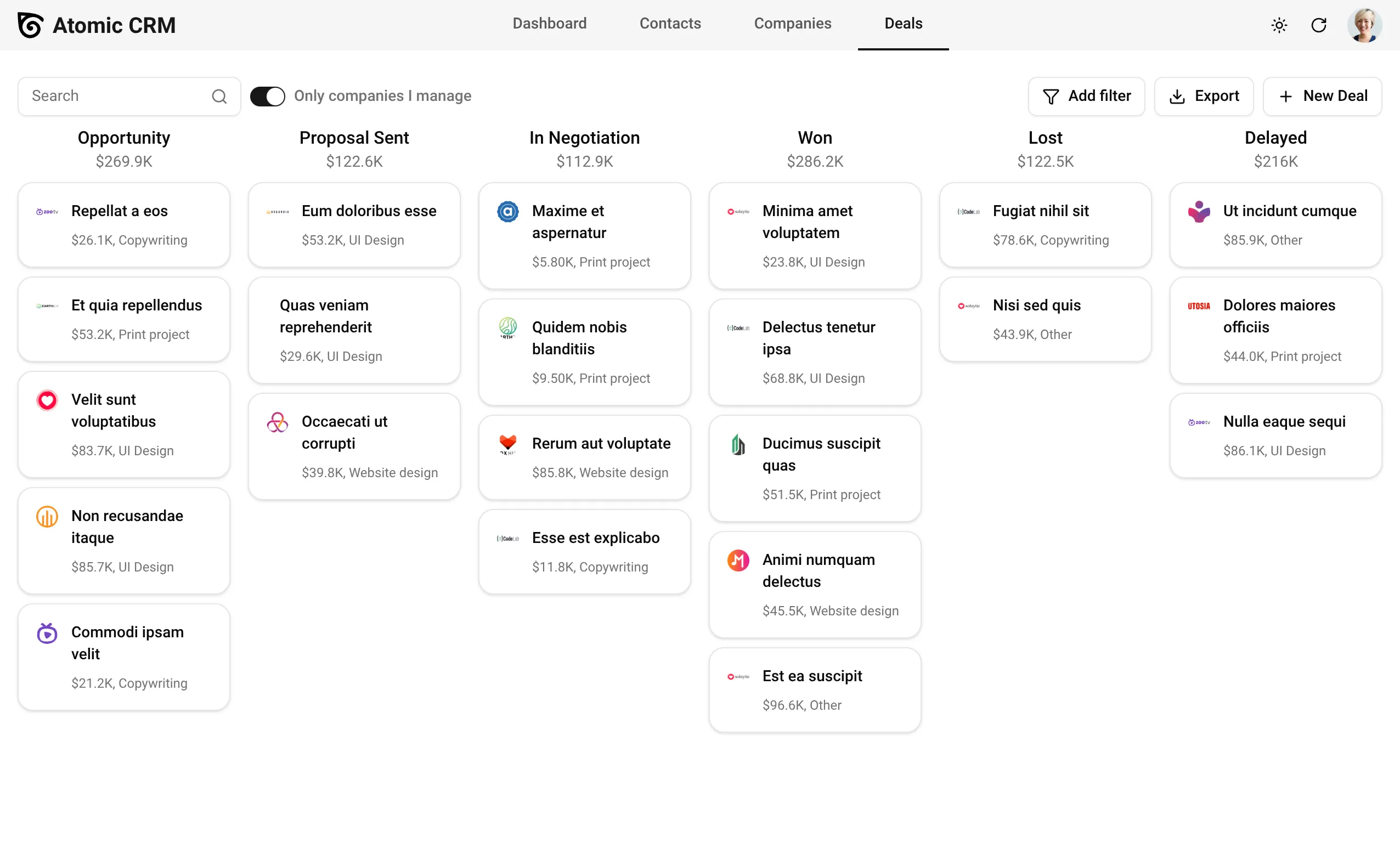
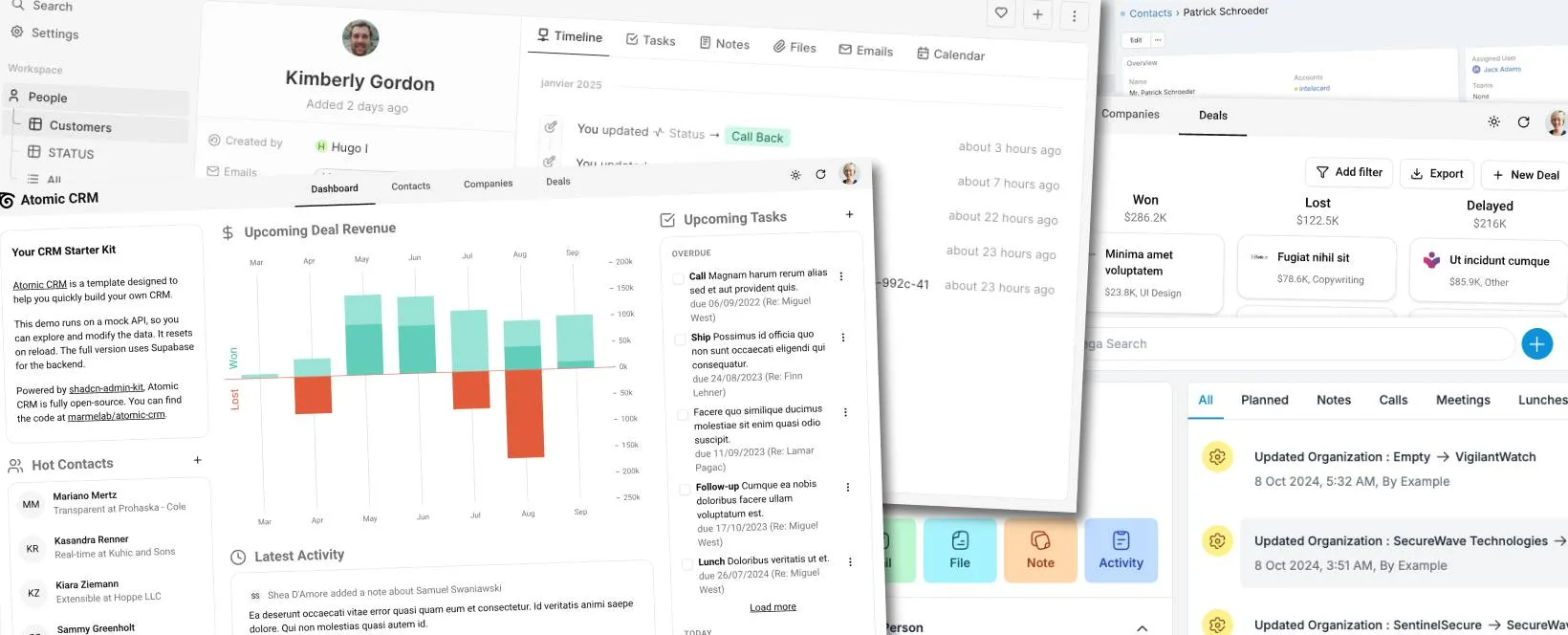
Atomic CRM leverages popular open-source libraries to minimize the code required to build a CMS (only 15k lines of code for a complete solution). As a consequence, it’s easy to learn and easy to customize. The choice of Supabase for the backend makes it super easy to host. It’s also the only open-source CRM to offer SSO. See it as a perfect template to build your own CRM rather than a full-featured CRM that you’ll spend months learning to customize.
User Experience (UX)
- SSO & SAML
- Advanced search & filtering
- Kanban-style pipeline board
- Model studio
- Inbound email support
- MCP Server for AI integration
- Great Mobile UI
- Great user experience
- Activity dashboard
- Multi-user support
- Bulk Actions
- Auto-generated avatars
- Optimized for performance
- No email/calendar sync
- No workflow automation
Dev. Experience (DX)
- Easy hosting
- Based on standard libraries
- Rich UI component library
- Extensible data model
- Only 15k LOC
- Full-featured API
- Modern tech stack
- Modular component-based architecture
- Simple installation
- Fully themeable UI
- Strongly typed codebase
- Bring Your Own Authentication
- No built-in third-party connectors
- Small community
Agent Experience (AX)
- Claude.md
- Agents.md
- MCP server
- High comment/code ratio
- Small codebase
- Easy integration tests with fake data
- No cursor rules
Krayin
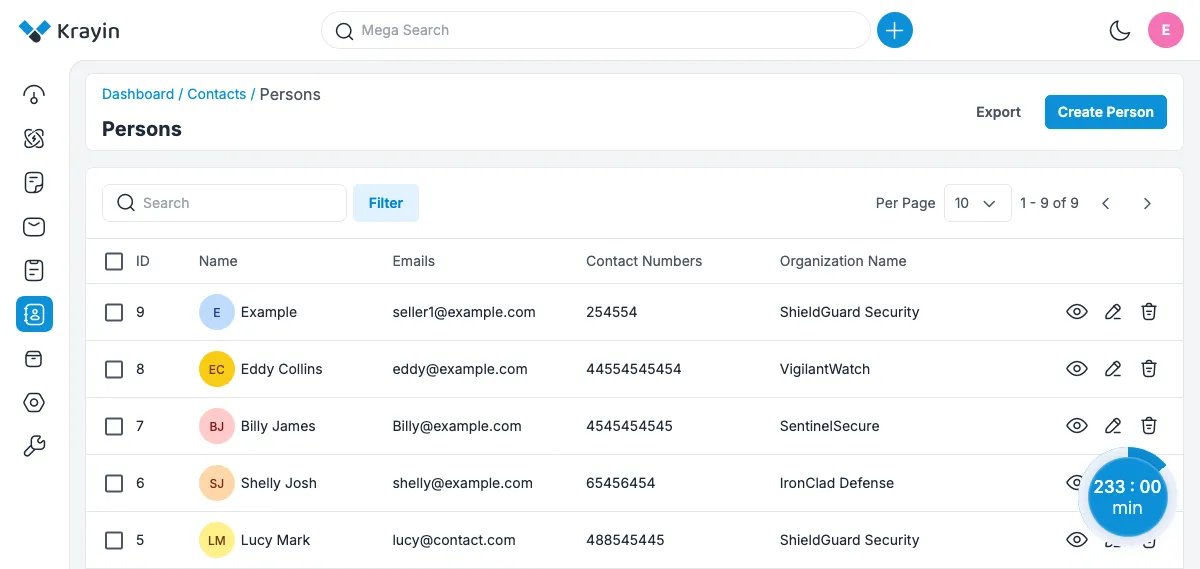
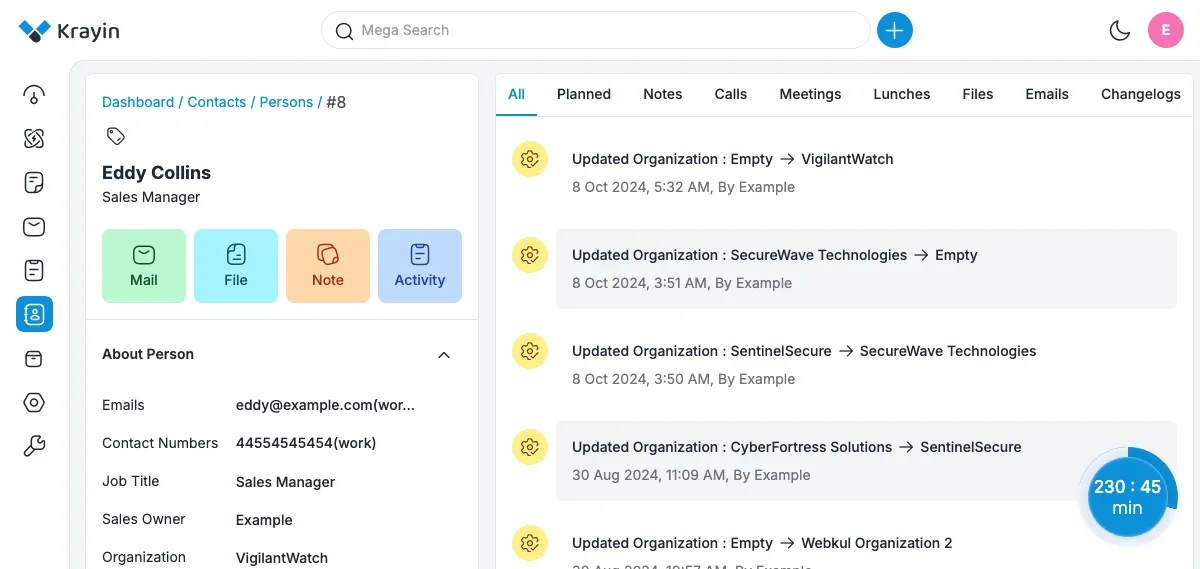
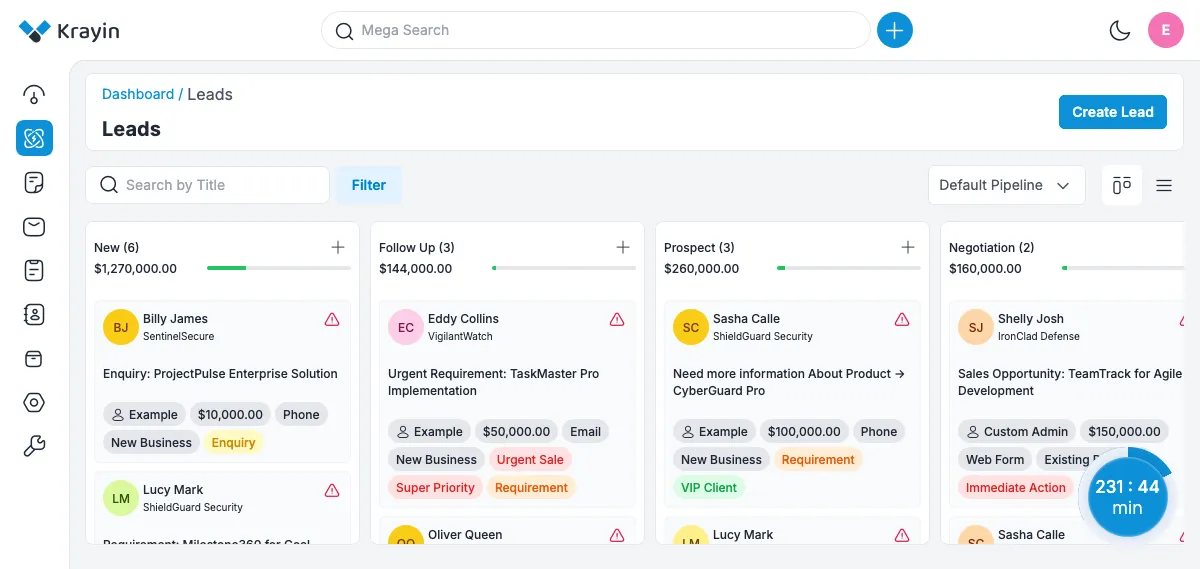
Krayin is your best bet if you’re fluent with PHP and Laravel, as it leverages these technologies to provide a solid CRM foundation. It is truly open-source and also provides advanced features (albeit behind a paywall) such as multi-tenant support. However, the user interface is clunky and slow, which can be frustrating for end-users.
User Experience (UX)
- Marketing automation
- Mega search
- Web forms
- Create contact from image
- Customizable dashboard
- Alternative languages
- Roles & permissions
- Audit trails
- Data import
- Voice & chat connectors (paid extensions)
- Slow
- Low information density
- No advanced filtering
- SSO: only Google
- Half-baked mobile UI
- Frustrating user interface
- Uses popups
- No tags
Dev. Experience (DX)
- Easy installation
- Good developer docs
- Leverages Laravel & Vue
- REST API
- Google Integration
- Self hosting
- Composer package
- Multi-tenant support (paid extension)
- Model customization via attributes
- Small component library
- Lots of boilerplate
- No unit tests
- Irregular update frequency
Agent Experience (AX)
- Use any provider via OpenRouter.ai
- Moderate size codebase
- No MCP server
- No Claude/agent/cursor instructions
- Code split in many small files
- Low test coverage
- Low comment/code ratio
EspoCRM
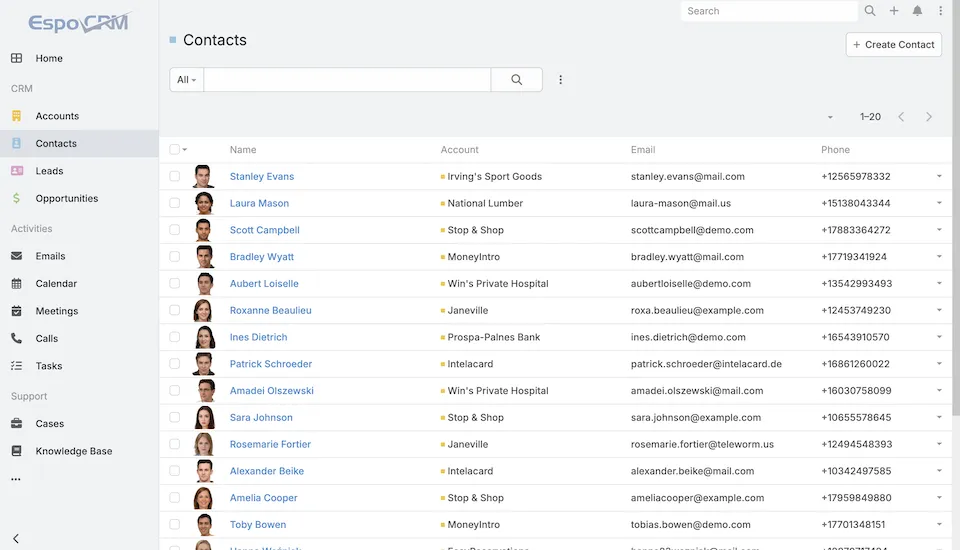
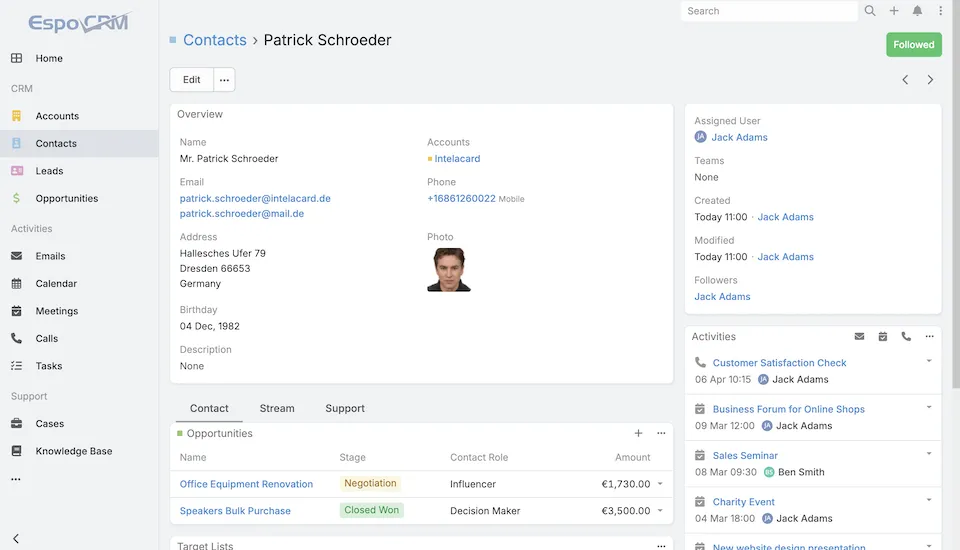
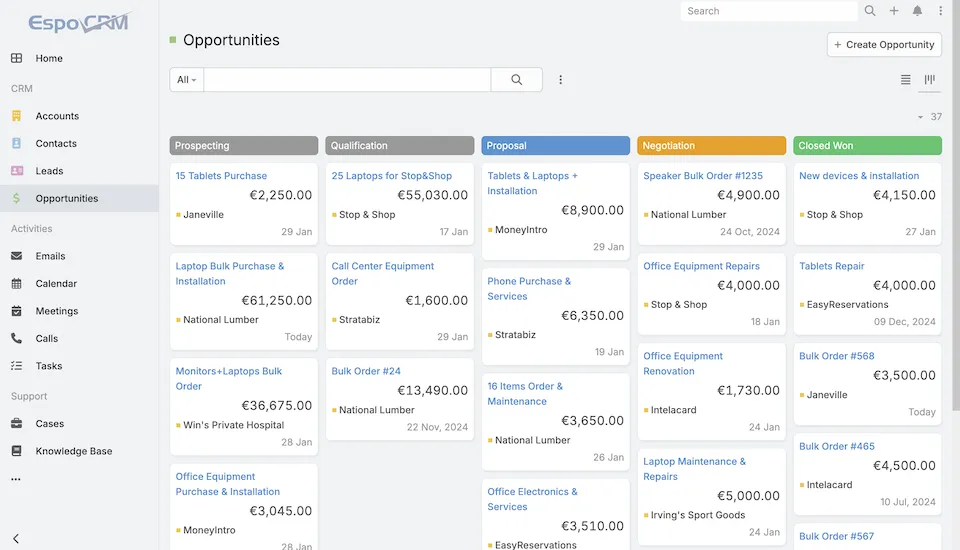
EspoCRM is a very complete CRM with a clean user interface, designed for productivity. The powerful in-app administration allows you to customize pretty much everything. If its features match your needs, it’s a great choice. However, the codebase is quite large, uses homemade backend and frontend frameworks, and the documentation is limited, so even simple code customizations can be challenging.
User Experience (UX)
- Simple yet effective UI
- Model studio
- Roles manager
- Powerful administration
- Audit log
- Customizable dashboard
- Analytics
- Fine-grained access control
- OIDC, LDAP
- Email sync
- Rich library of (paid) extensions
- Half-baked mobile UI
- Complex filtering UX
- Limited user documentation
- No AI-powered features
Dev. Experience (DX)
- Complete API
- Active support
- Regular updates
- SPA architecture
- Powerful import/export
- Backend extension via hooks
- Contaminant license
- Limited developer documentation
- Home-made backend framework & ORM (Espo)
- Home-made frontend framework based on Handlebars
- Low test coverage
- One-man project (yurikuzn)
Agent Experience (AX)
- No MCP server
- No Claude/agent/cursor instructions
- Large codebase
- Low comment/code ratio
- Low test coverage
OroCommerce
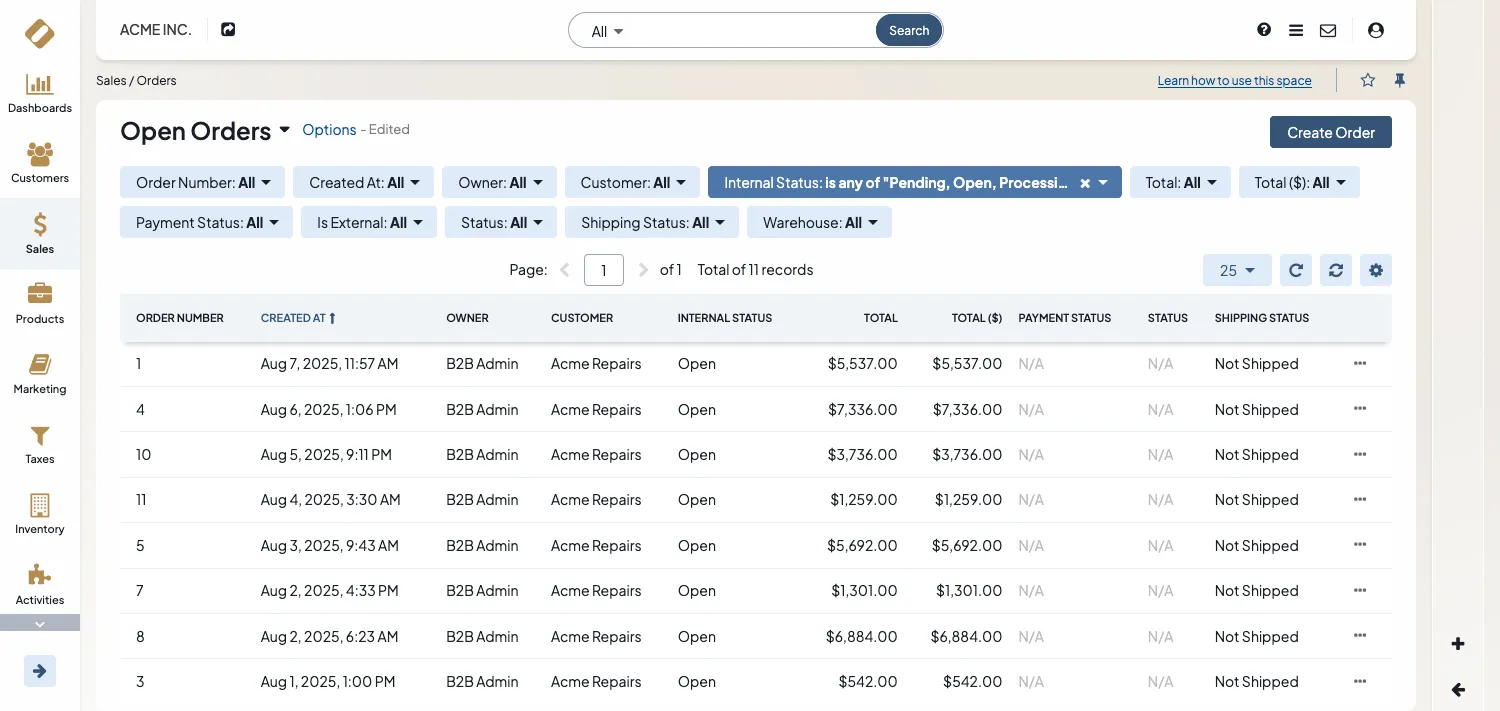
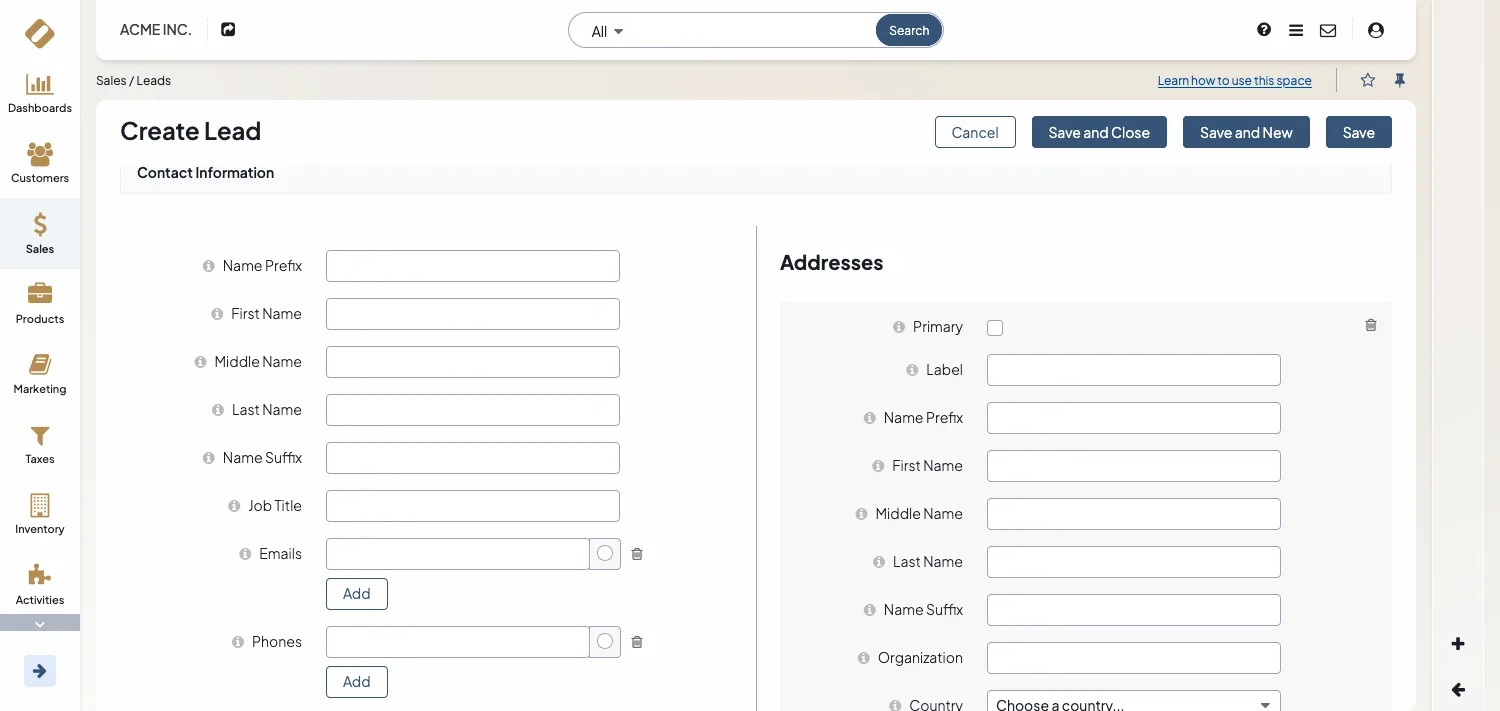
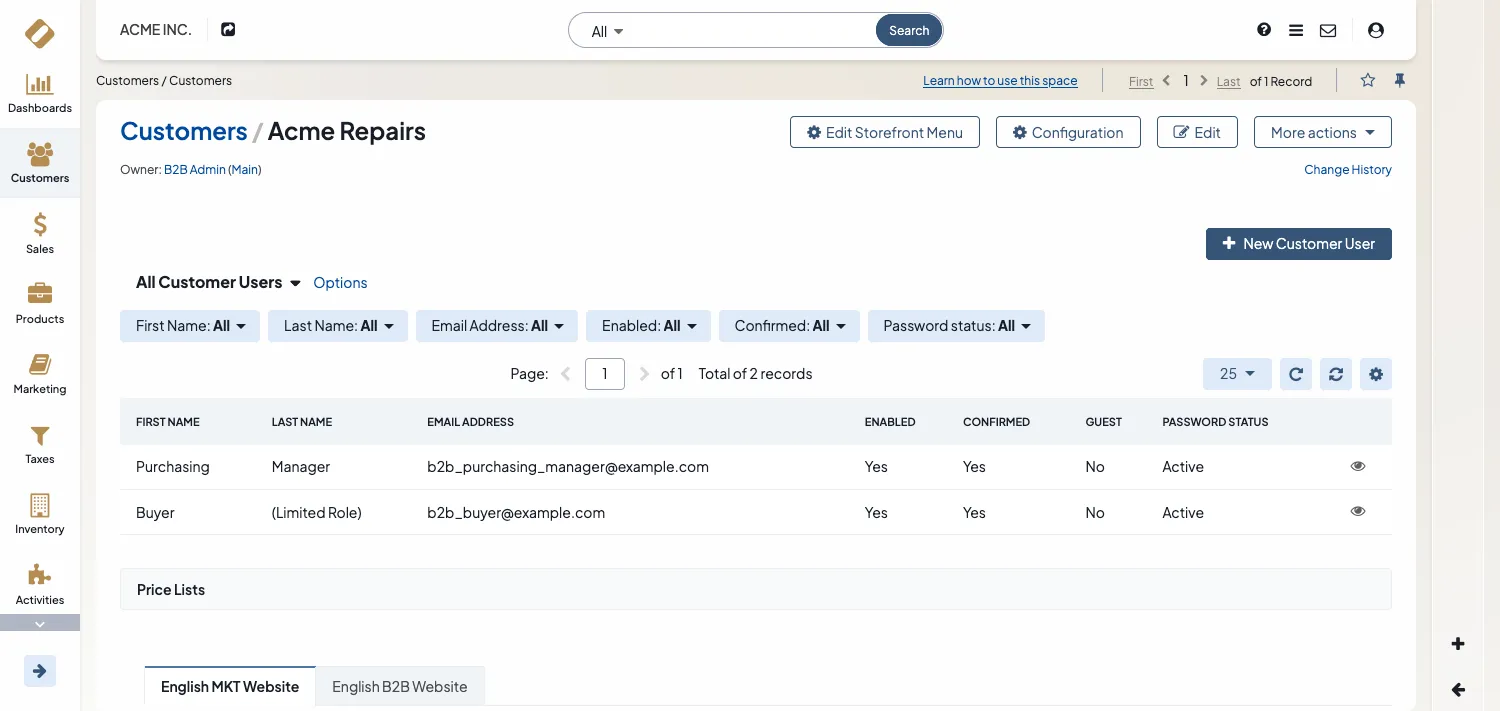
OroCommerce is a B2B eCommerce platform with a CRM part. While it includes basic CRM features, the primary focus is on eCommerce. Despite using modern coding practices, the extensive and complex codebase makes customization challenging, especially for basic CRM features.
User Experience (UX)
- Great user documentation
- Automated actions (processes)
- Email Sync
- Smart IA agent
- Custom fields via Entity Manager
- Sidebar Widgets
- Customizable Dashboards
- Marketing Campaigns
- Customer Hierarchy
- Integrations (ZenDesk, MailChimp, etc.)
- LDAP integration
- Embedded Forms
- No mobile app
- UI isn’t very intuitive
- Complex initial setup
- Steep learning curve
Dev. Experience (DX)
- Built on Symfony Framework
- Complete API
- Modular
- Strong test coverage
- Comprehensive developer documentation
- Contaminant license
- Uses a custom framework (1.3M LOC)
- Overengineered
- Frequent breaking changes
- Outdated JS and CSS stack
- Resource intensive
Agent Experience (AX)
- No MCP server
- No Claude/agent/cursor instructions
- Large codebase
- Low comment/code ratio
- Low test coverage
SuiteCRM
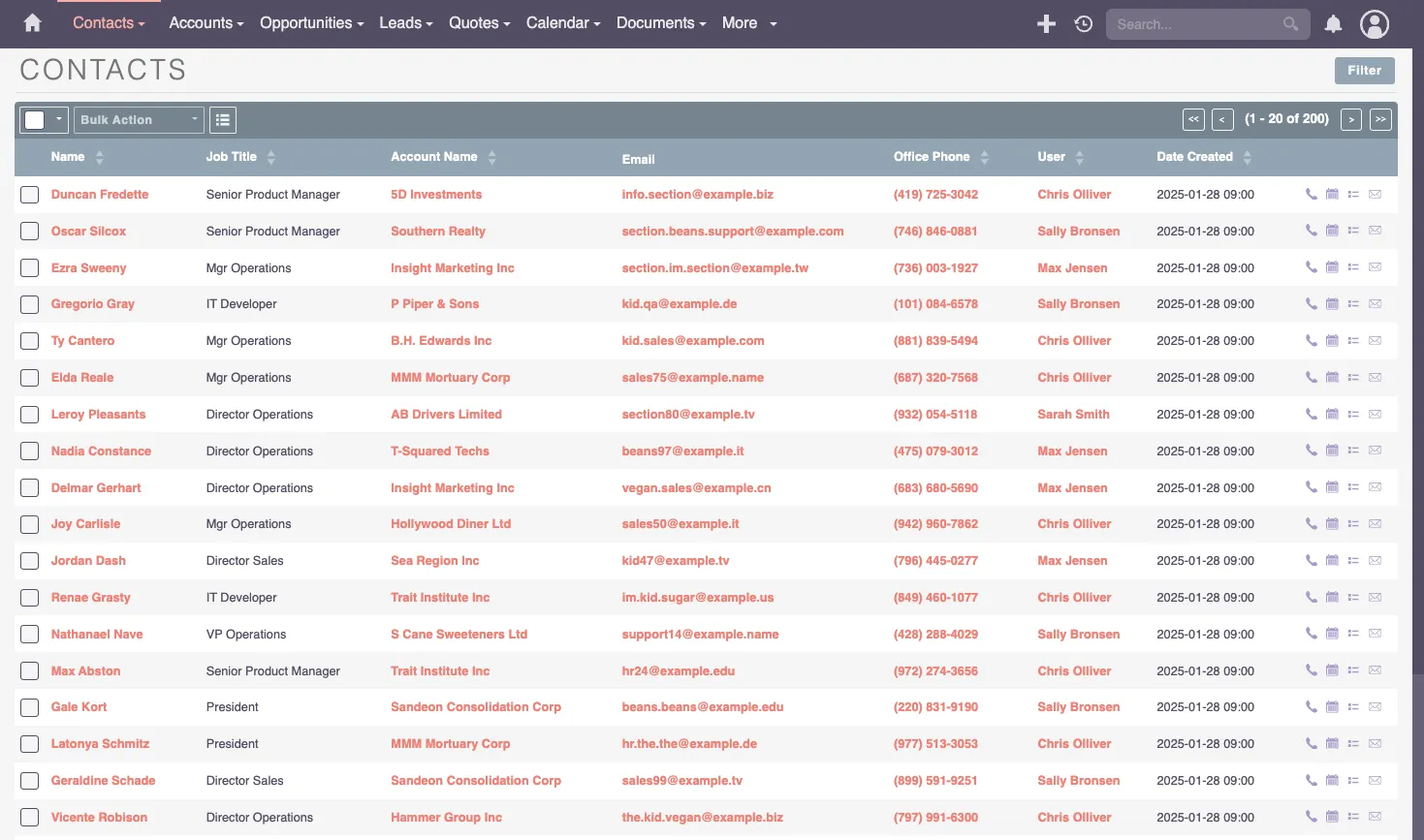
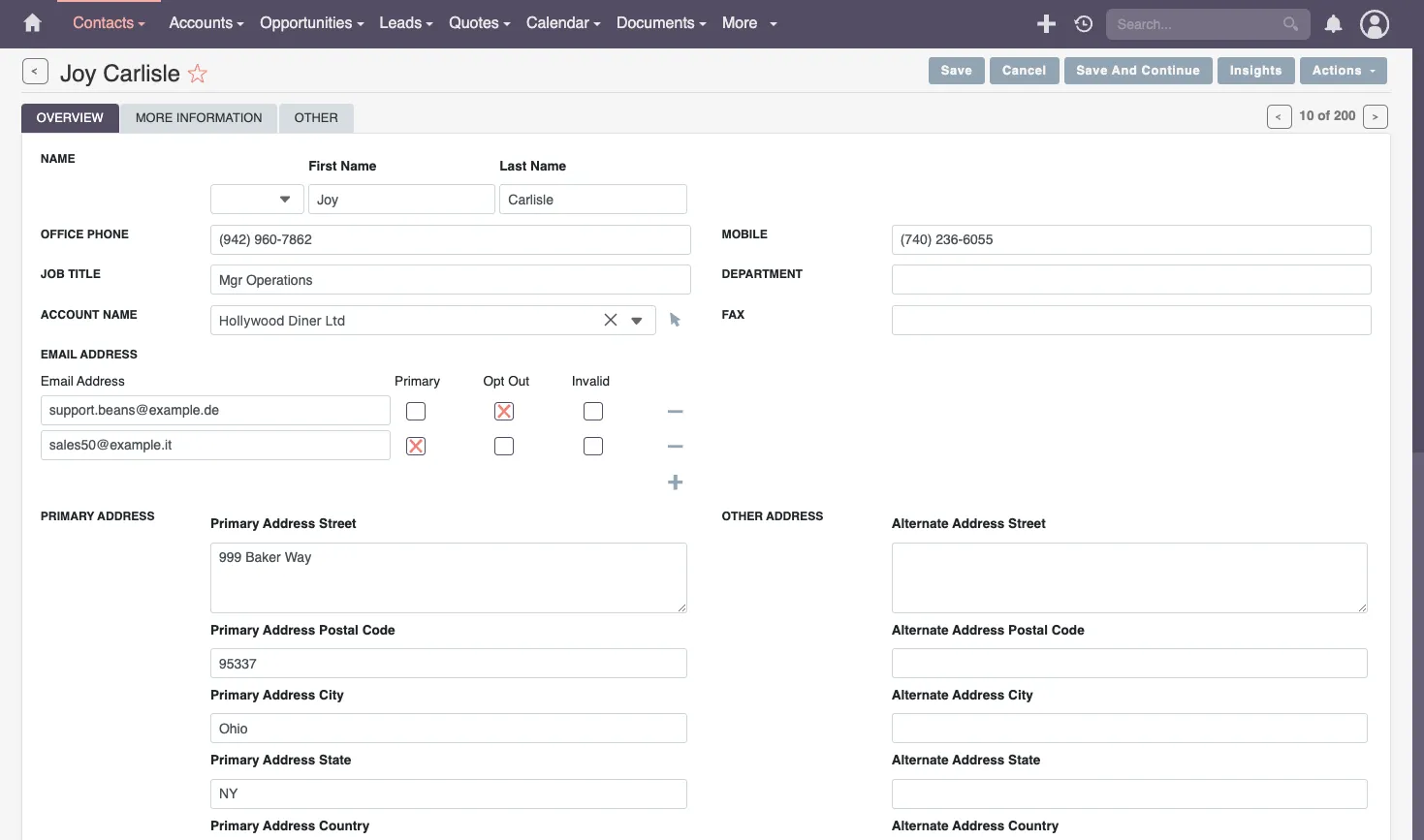
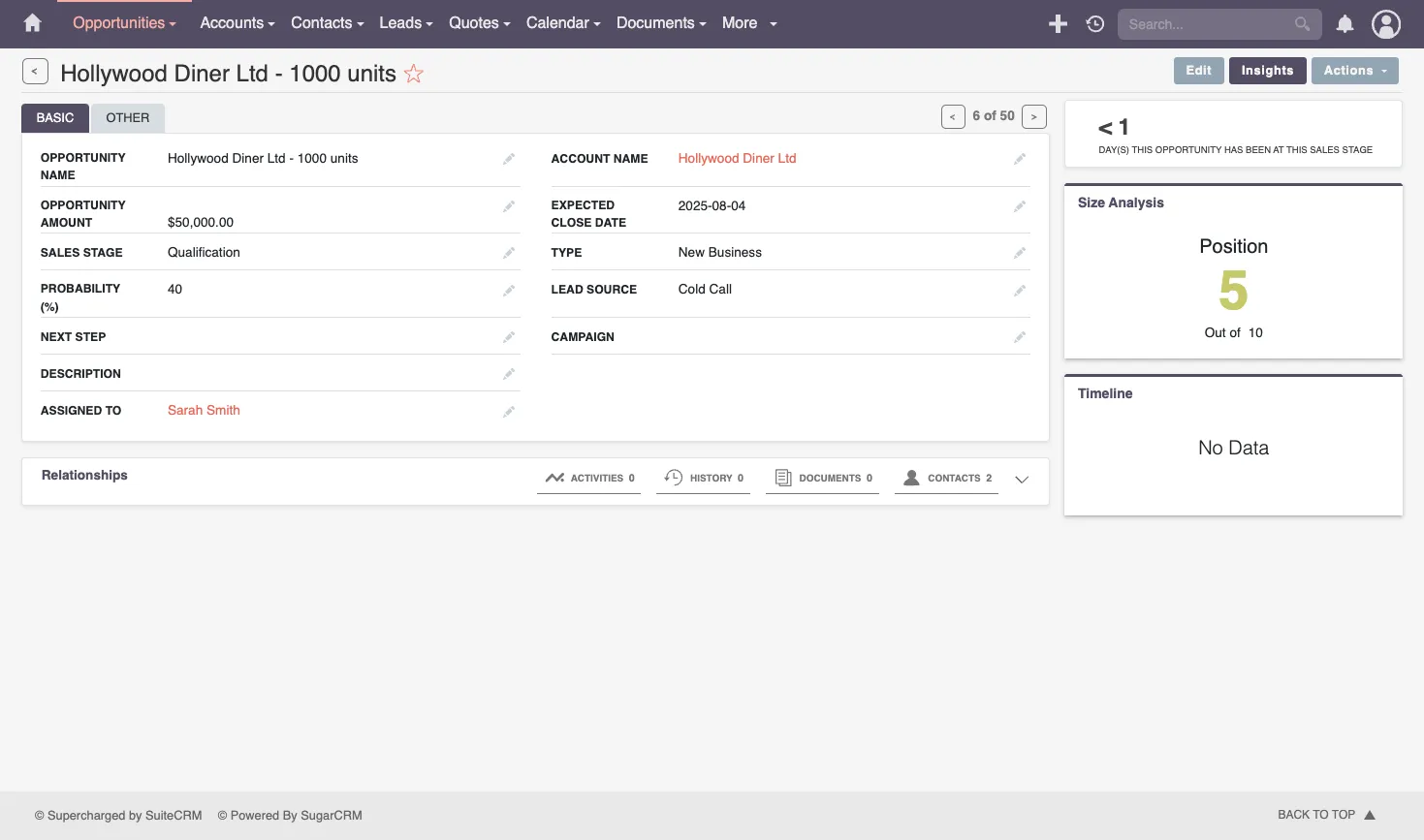
SuiteCRM is the successor of the popular SugarCRM, open-source until 2014. Its legacy is both a chance and a burden: it has a large user base and many features, but the codebase is old and uses outdated coding practices. It is probably not the best candidate for a simple CRM.
User Experience (UX)
- Workflow automation
- Modularity
- Integrations
- Reporting Tools
- Security Suite (Groups)
- Customization framework
- Community
- Mostly CRUD
- Poor User experience
- Dated Design
- Limited REST API
- Clunky Reports & Charts
- Subpar Mobile UI
Dev. Experience (DX)
- Developer Documentation
- Rich plugin Ecosystem
- Self-Hosting Flexibility
- Logic Hooks
- Extension Framework
- Technical Debt
- Home-made MVC Framework
- jQuery
- Outdated Coding Practices
- Performance Optimization Challenges
- Huge Codebase
Agent Experience (AX)
Odoo
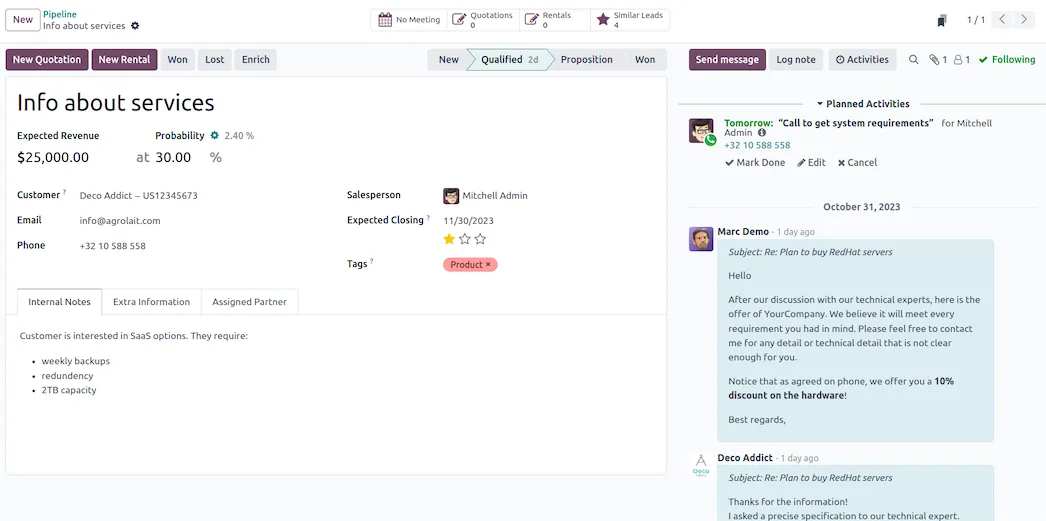
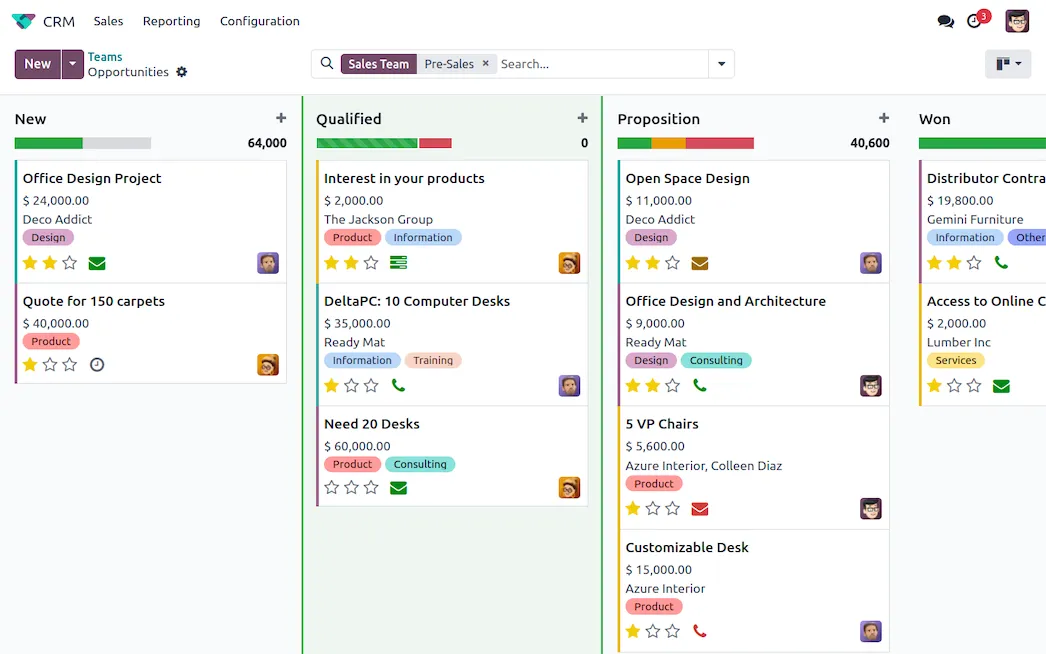
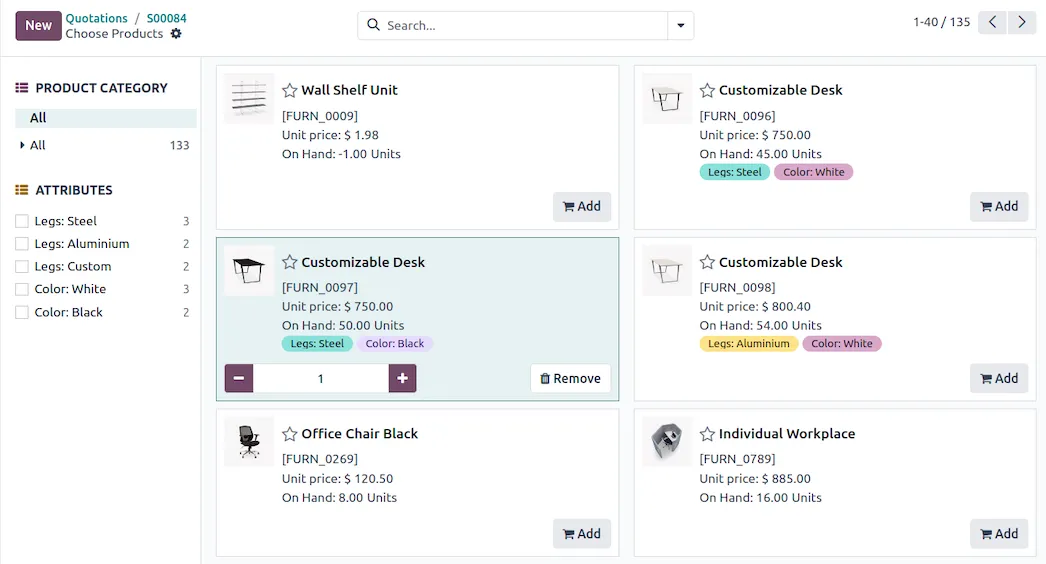
Odoo is a behemoth CRM that covers pretty much every feature you can think of. It’s also an ERP, with modules covering finance, supply chain, point of sale, human resources, marketing, and even a website builder! The main consequence is that the codebase is huge. Most Odoo projects are carried out by specialized Odoo developers who make a career out of it. It’s a good fit for large companies that need an integrated solution but not for small businesses.
User Experience (UX)
- Customizable workflows
- Mobile app
- Integrations (auth & data)
- App marketplace
- Multi-channel (email, social media, voip, etc.)
- Full-featured
- Really customizable
- Reporting and analytics
- Community support
- Onboarding
- Superficial user documentation
- Not always intuitive
- Navigation UX
- Upgrading challenges
- Advanced Security
- Centered around accounting
- Limited free edition
Dev. Experience (DX)
- Developer documentation
- Modular architecture
- Scalable
- Active Community
- Developer mode
- Rich module library
- Easy hosting
- In-house frontend and backend frameworks
- Huge codebase
- Variable code quality
- Performance woes
- Upgrades are hard
Agent Experience (AX)
ERPNext
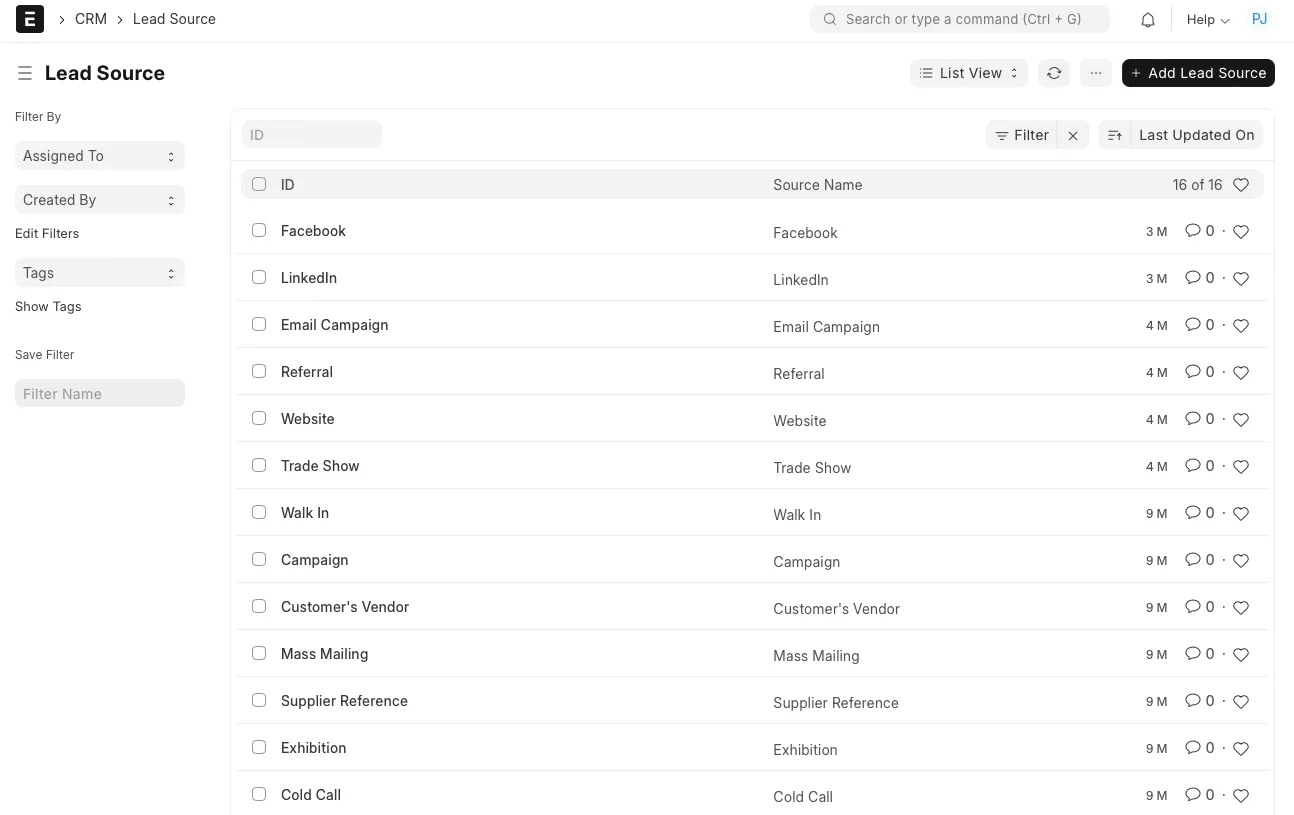
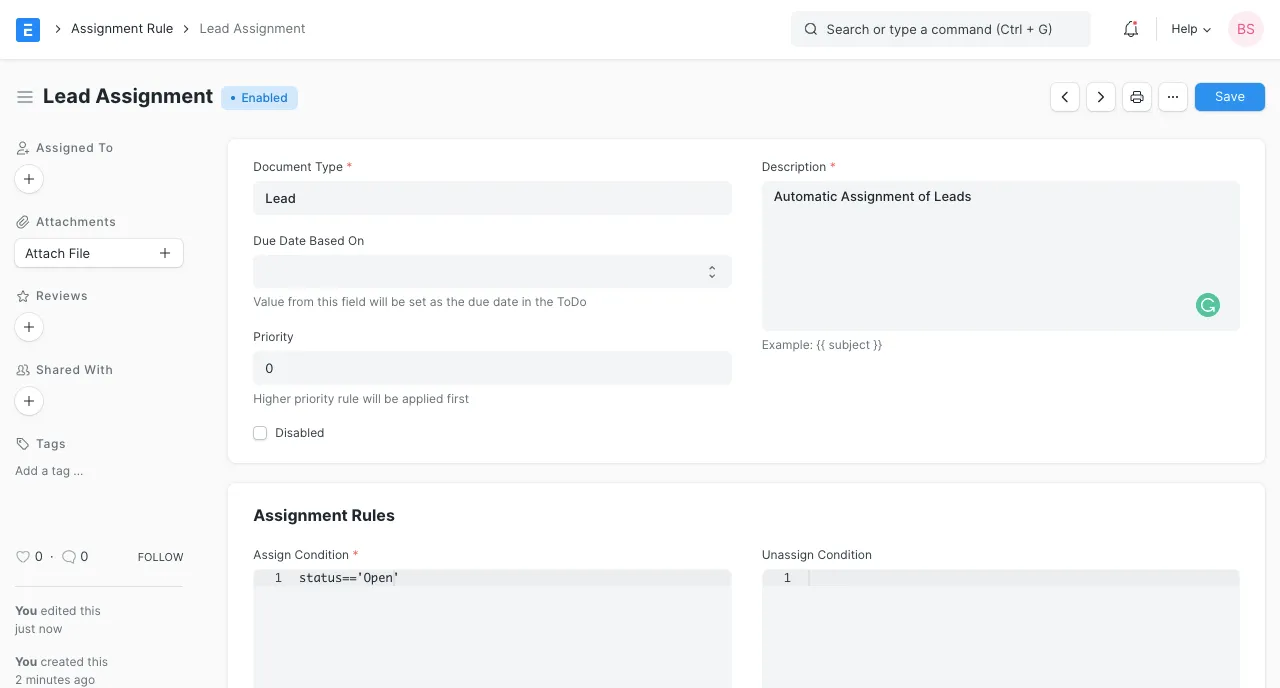
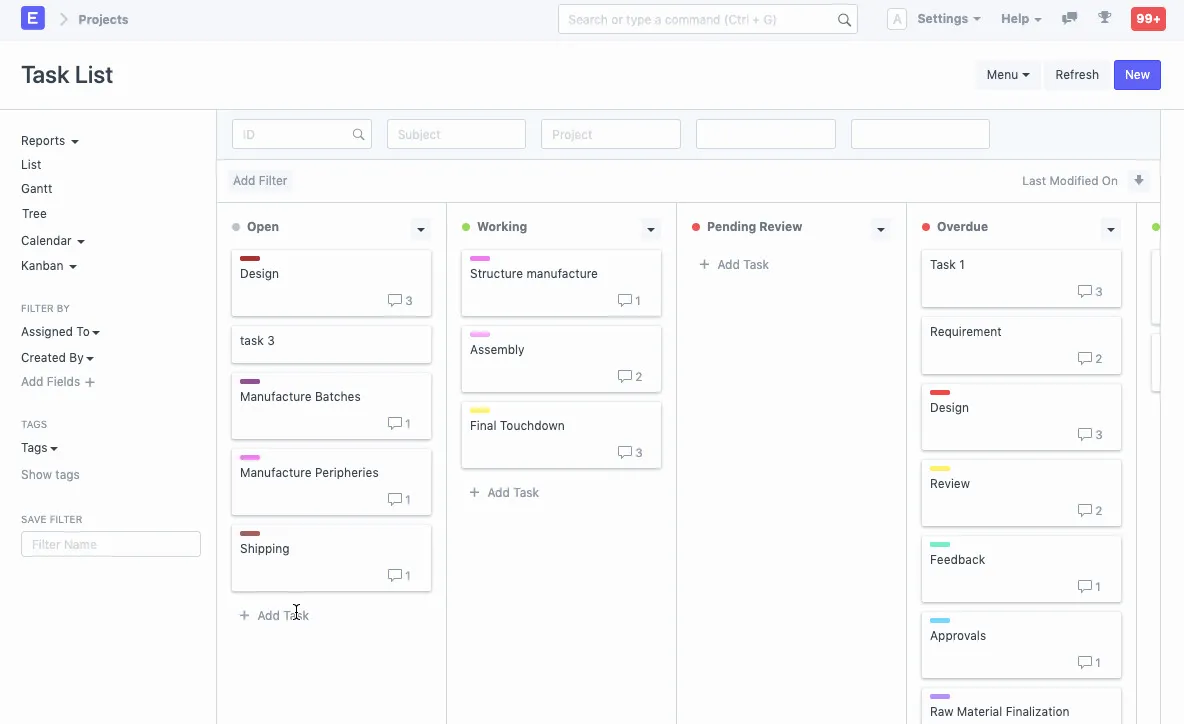
ERPNext is designed to be the central hub for all your business needs, from CRM to accounting, inventory, project management, and more. But if you’re only looking for a CRM, it’s way too complex, and the workflow is too rigid. Finally, it’s not easy to dive in and start customizing the code.
User Experience (UX)
- Integrated platform
- Full featured
- User documentation
- Customization capabilities
- Comprehensive reporting
- No mobile UI
- Performance issues
- Limited advanced CRM features
Dev. Experience (DX)
- Developer documentation
- Modular architecture
- Active community support
- Contaminant license
- Too complex
- Home-made MVC Framework (Frappe)
- Limited third-party integrations
Agent Experience (AX)
Axelor
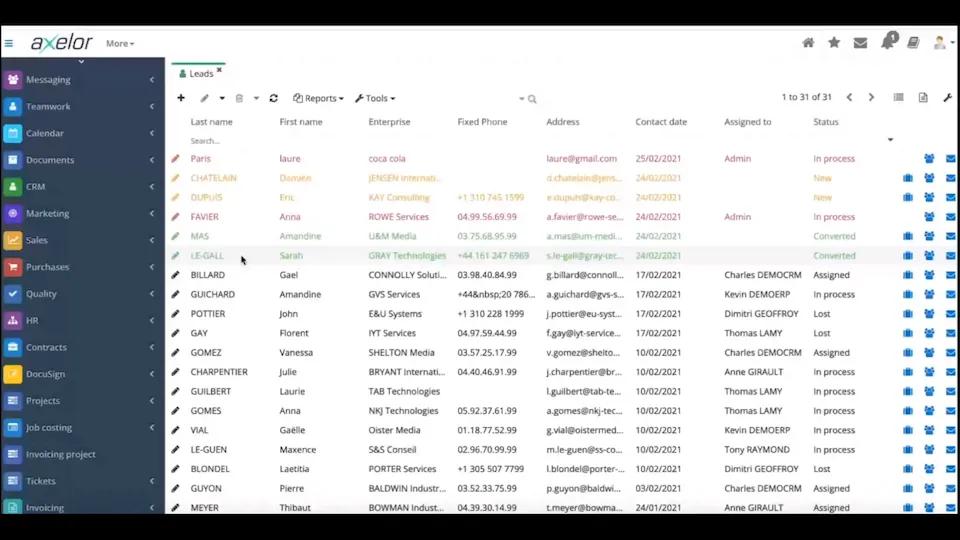
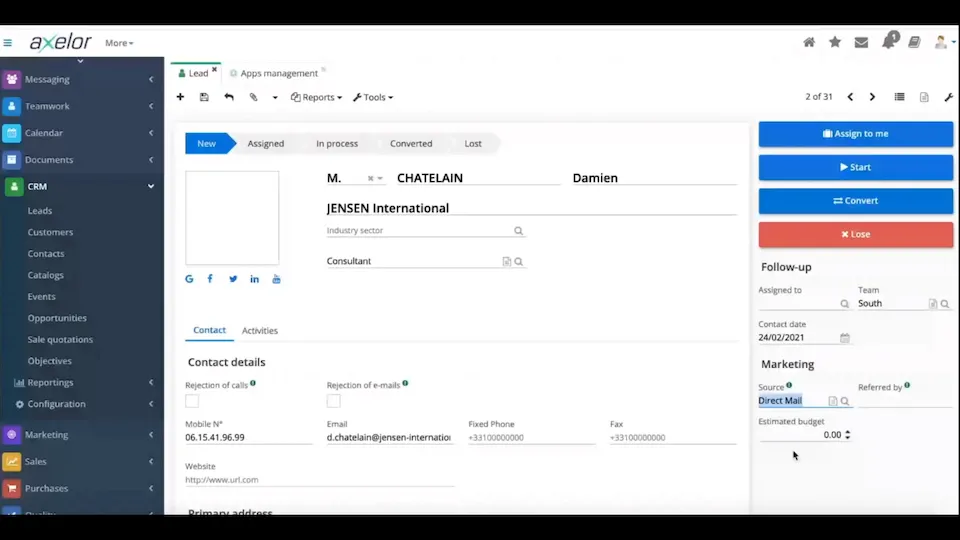
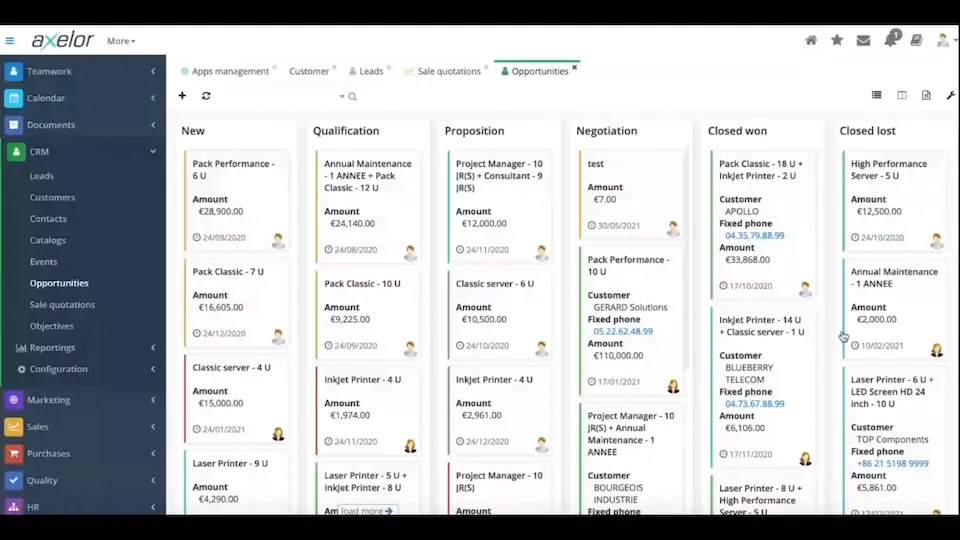
Axelor is another ERP / BMP low-code platform with a CRM module. Even though it’s open-source, it’s not really designed for developers to modify the code. The codebase is enormous, and the documentation is limited. It’s a good fit for companies that need a lot of features and are ready to pay for the enterprise version.
User Experience (UX)
- Integrated BPM
- Full-featured ERP (commerce, HR, finance, supply chain)
- Comprehensive API support
- Good user documentation
- Model studio
- User experience is not great
- Steep learning curve
- Limited official extensions
- Upgrade challenges
Dev. Experience (DX)
- Uses Hibernate ORM
- Regular updates
- Developer documentation is limited
- Complex initial setup
- Home-made backend framework
- Contaminant license
- React templates (not components)
- Performance with large datasets
- Limited third-party integrations
Agent Experience (AX)
Honorable mentions
The following CRMs didn’t make the cut but are worth mentioning:
- vtiger (SaaS with source available, no developer docs)
- Dolibarr (not completely English, outdated code base)
- CiviCRM (only for associations and non-profits)
- Yetiforce (source code is not available)
- SugarCRM (not open-source since 2014)
- Commercial CRMs with a free tier (Hubspot, Monday, Zoho, Salesforce, etc.)
Conclusion
None of the CRMs we tested earned a perfect score. Choosing an open-source CRM still means making trade-offs.
This benchmark also highlights how rare truly customizable CRMs are. Only a small number of projects let companies modify the code without being forced to publish their changes. And many open-source CRMs come with large, complex codebases, which makes deep customization expensive. Some also rely on uncommon stacks, which can make hiring and onboarding developers harder.
Still, the outlook is positive. The top three CRMs in this benchmark (Twenty, Atomic CRM, and Krayin) stand out as strong options for small and mid-sized teams. If you want a CRM you can shape to your workflow, these are the best places to start.
Authors
Marmelab founder and CEO, passionate about web technologies, agile, sustainability, leadership, and open-source. Lead developer of react-admin, founder of GreenFrame.io, and regular speaker at tech conferences.