Symfony, Mercure, React: Real-time Updates In Less Than 100 Lines Of Code

The Context: Chinese Checkers Game
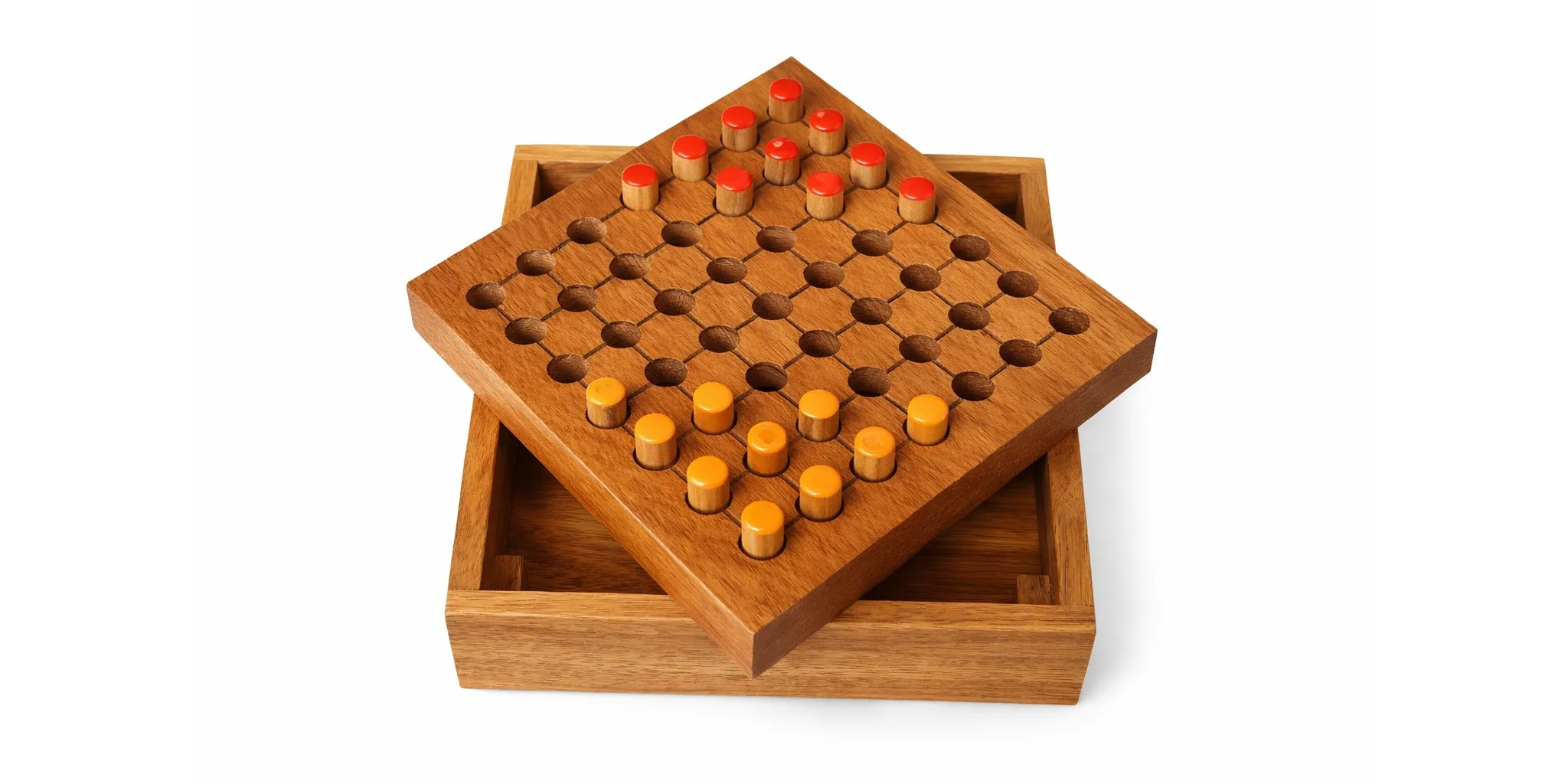
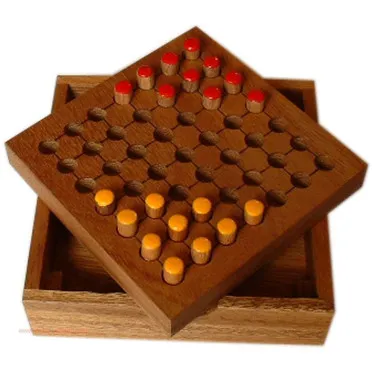
I created a React web application to play chinese checkers with a friend. It’s a simple game where you move your pawns to reach the other end of the board.
It’s a cool game! I made it using Symfony for the API, and React for the mobile application. I can view the current board state and move any pawn of my color.
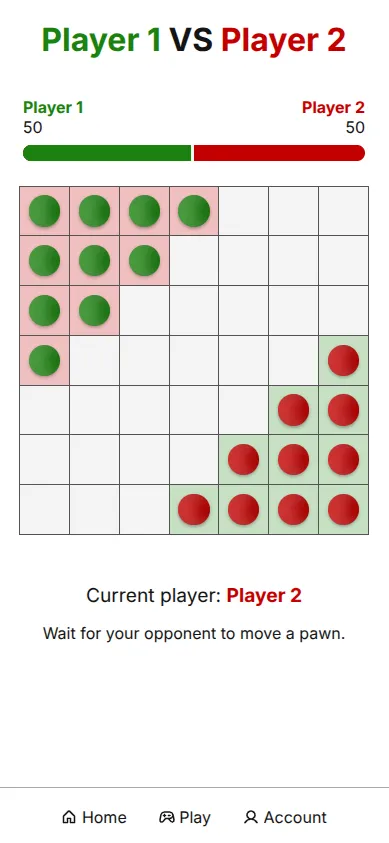
However, something is ruining all the fun: we have to keep refreshing the game just to check if the opponent has played! 😟 I wish I could see their moves in real-time instead.
This is where Mercure is going to help me so much.
How Does Mercure Help?
Mercure is a thin layer on top of HTTP and SSE (Server-Sent Events) for real-time communications. In other words, it takes care of all the burden of streaming server-sent events, with a simple API and protocol designed to efficiently dispatch events to the appropriate subscribers.
With Mercure, you can subscribe to a topic from a front-end application, and publish updates about this topic from a back-end application.
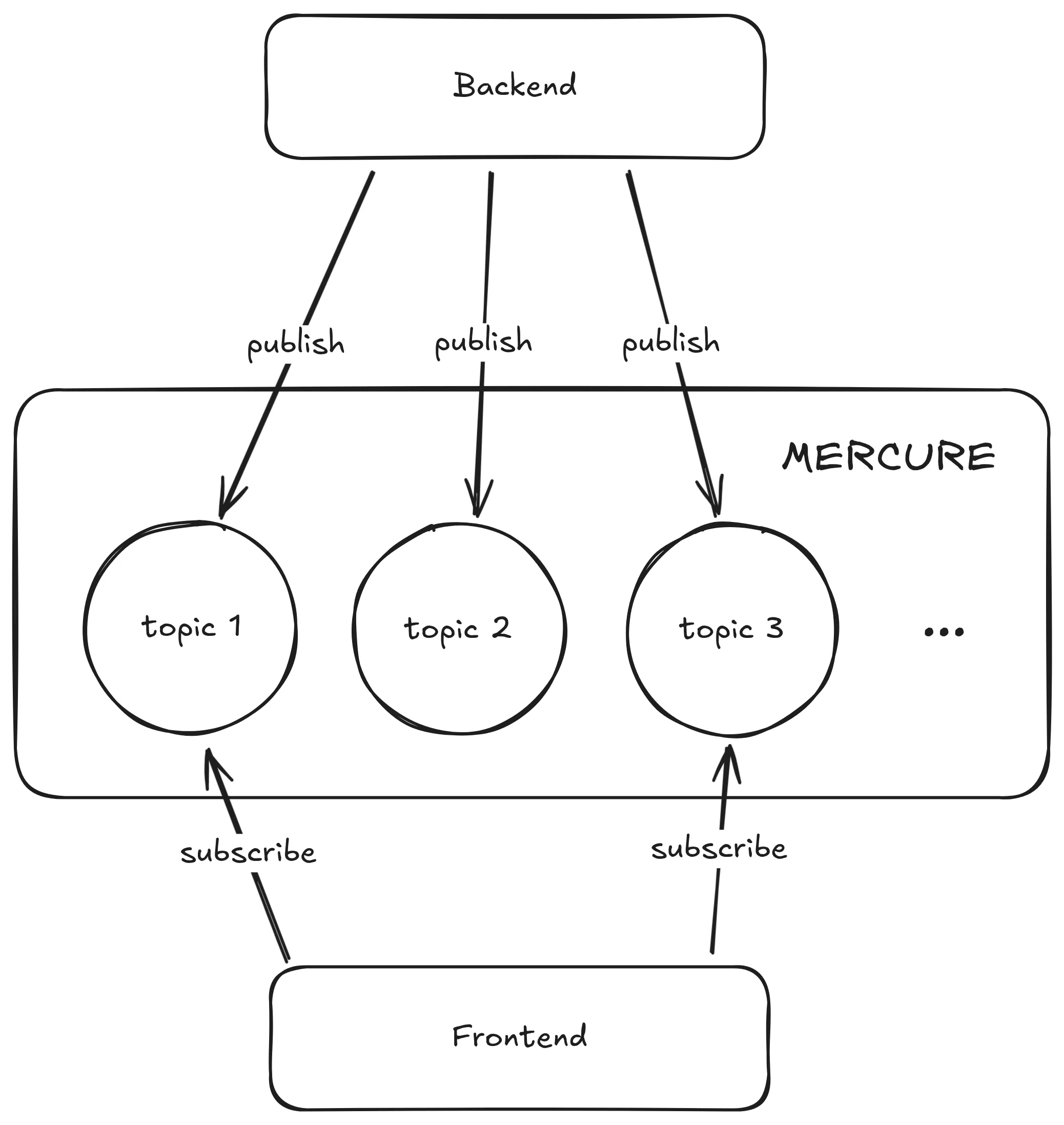
In our case, the topic will be a chinese checkers game. We will represent it using its unique ID.
The front-end application will be the React application, displaying the current board state. It’s the subscriber.
The back-end application will be the Symfony application, storing and updating the game state following the rules of the chinese checkers game. It’s the publisher.
Symfony + Mercure = ❤️
The install process of Mercure in Symfony may differ depending on how you initially set up your project. On my end, I chose to use Docker with Symfony, with dunglas/symfony-docker, as described in the official documentation.
This configuration includes a Mercure hub already set up, ready to publish and subscribe. I just need to define a secret in my production environment, so only my application can publish events to the subscribers.
$ openssl rand -hex 64bb9defb68b122417bb7a407c5d0c49601205f164be5e548676ecf2f0e2d4f88cce463b17dff89084c6135e91f636cfe411ddb2e53c850e4ec32650135f473431CADDY_MERCURE_JWT_SECRET={{REPLACE THIS WITH A SECURELY GENERATED KEY}}Then, I need to tell Symfony to use this secret key for publishing. The Docker Compose file already defines the MERCURE_JWT_SECRET environment variable, so I just need to install the Mercure bundle:
composer require symfony/mercure-bundleIn the configuration file, I check that it uses the environment variable:
mercure: hubs: default: url: '%env(MERCURE_URL)%' public_url: '%env(MERCURE_PUBLIC_URL)%' jwt: secret: '%env(MERCURE_JWT_SECRET)%' publish: '*'The only remaining step is to publish updates to the Mercure hub each time the game state changes. When a turn is ended, I update the game state in the database, then publish the new state to the Mercure hub:
/** * @param RequestStack $requestStack The request stack service. * @param GameState $gameState Game state service. * @param EntityManagerInterface $entityManager Entity manager service. * @param HubInterface $mercure Mercure hub service. * @param SerializerInterface $serializer Serialization service. */public function __construct(  private RequestStack $requestStack,  private GameState $gameState,  private EntityManagerInterface $entityManager,  private readonly HubInterface           $mercure,  private readonly SerializerInterface    $serializer,){}
/** * Update and save the game in database. * @param Game $toUpdate * @param Game $updatedGameState * @return void */public function updateGame(Game $toUpdate, Game $updatedGameState): void{  $toUpdate->setBoard($updatedGameState->getBoard());  $toUpdate->setCurrentPlayer($updatedGameState->getCurrentPlayer());  $toUpdate->setWinner($updatedGameState->getWinner());  $toUpdate->setLastMove($updatedGameState->getLastMove());
  $this->entityManager->persist($toUpdate);  $this->entityManager->flush();
  $this->mercure->publish(new Update(    $toUpdate->getUuid(),    $this->serializer->serialize($toUpdate, "json")  ));}
Yes, that’s all! Now I’m pushing the updated game state every time a player makes a move. 🚀
React + EventSource = ❤️
On the browser side, the native way to consume server-sent events is to use the EventSource API. Mercure provides a compatible endpoint to which we can connect to receive real-time updates for a specific topic: /.well-known/mercure?topic={topic-name}.
In my React application, I want to subscribe to updates for a specific game. In this case, the topic name will be the unique ID of the game. I can then subscribe to updates for this game, and update the board with the updated state received from the server.
I created a custom React hook to encapsulate this logic:
import { useEffect } from "react";
export function useGameLiveUpdate(  gameUuid: string,  updateGame: (game: Game) => void,  serverName: string = "",): void {  useEffect(() => {    const eventSource = new EventSource(      `${serverName}/.well-known/mercure?topic=${encodeURIComponent(gameUuid)}`,    );
    eventSource.addEventListener("message", (event) => {      updateGame(JSON.parse(event.data));    });
    return () => {      eventSource.close();    };  }, [gameUuid, serverName]);}
I can now easily subscribe to game updates in any React component, providing a callback to update the game state with the received game state.
Whenever a move is made by any player, the Symfony back-end publishes the updated game state to the Mercure hub, which then pushes the update to all subscribed clients in real-time. The subscribed React component receives the new game state and updates the UI accordingly, allowing players to see each other’s moves instantly without needing to refresh the page.
📽️ See it in action! The screen on the left is a screencast of the phone of Player 2, while the screen on the right is recorded on the computer of Player 1.
Look at this happy player!

How To Reconnect Automatically When The Connection Is Closed? 🔌
Documentation about EventSource mentions that the connection is automatically restarted if it is closed. However, in practice, this is not really the case. When the connection is lost (sometimes due to network issues, server restarts, etc.), the EventSource does not reconnect as expected.
I tested it a lot by restarting the server while a client was connected. The connection was closed but never re-established. Even worse: the "error" and "close" events are not triggered, so we cannot even listen for them to manually try to reconnect. 😕
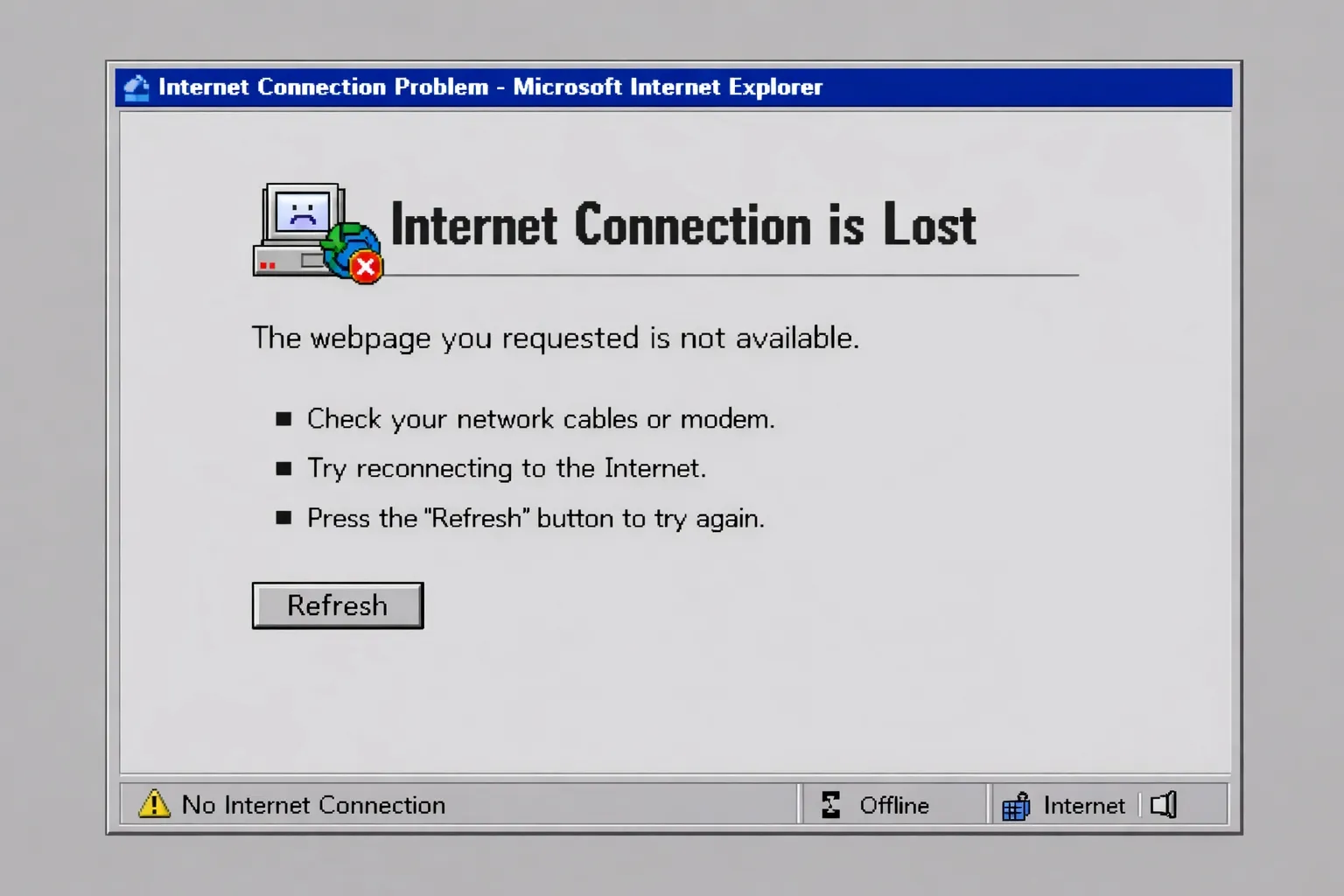
I couldn’t find a proper solution to this problem in the time I had. In normal conditions, the connection was stable enough to guarantee that players keep receiving updates, but it’s important to note that there may be something more to do to handle these disconnections properly, maybe with ping / pong messages.
By using a server-sent events client library with more capabilities, I could also make use of the state reconciliation features bundled in Mercure! By providing a Last-Event-ID header when reconnecting, the client is able to inform the server about the last event it received. This way, the server can resend any missed events during the disconnection period, ensuring that the client stays up-to-date with the latest information.
To Conclude
Using Mercure with Symfony and React allowed me to implement real-time updates in my chinese checkers game very quickly and without particular difficulty. In fact, the hardest part was the setup, not the code itself. The combination of Mercure’s publish/subscribe model and the simplicity of the EventSource API made it easy to keep the game state synchronized between players without complex WebSocket implementations.
I’ve been rather surprised by the low amount of code required to achieve this functionality. Real-time updates can seem complex, but we have a proof here that with the right tools they’re straightforward to implement.
If you’re interested in exploring the code further, you can check out the GitHub repository with the full implementation of the game, including the Mercure integration.
Authors
Matthieu is a fullstack web developer at Marmelab. His expertise ranges from Laravel to React.js, with a special taste for strong typing and free software.