
AI Platforms: How to Host Vibe-Coded Apps?

AI now lets almost anyone in a company build a working internal app in an afternoon. Developers use coding agents such as Claude Code, Cursor or GitHub Copilot; non-developers use app builders like Lovable, Bolt or Replit, or simply ask a chat assistant like Claude or ChatGPT.
At Marmelab, we have exactly this problem. Colleagues who are not developers build apps for their own needs with Claude Code, and once the app works on their computer, they all ask the same question: what’s next? Where does the app live, who can log in, where is its data, and who in IT even knows it exists?
The answer is what we call an AI platform: a platform that hosts applications built by AI. This article reviews the four families of answers available today: SaaS app builders, platforms from the big software vendors, open-source backends, and building your own platform. A follow-up article describes a home-grown platform in detail.
In short, no off-the-shelf option meets all the requirements. Vendor platforms are strongest on IT control but keep data in the vendor’s cloud; self-hosted open-source platforms win on data control and cost per app; SaaS builders rarely accept apps built with other tools.
What a Hosting Platform for Vibe-Coded Apps Needs
Most companies end up with the same list of requirements, whatever their size:
- A turnkey backend per app: a relational database, user management with company SSO, transactional email, logs, and a place for server-side business logic.
- Frontend hosting for the single-page apps that AI tools produce by default.
- Deployment from the tool that built the app: whether it is a developer’s coding agent or a non-developer’s app builder or chat assistant, “deploy this app” should just work, through a CLI, an API or an MCP server, under the author’s own identity. No infrastructure console to click through.
- Central control for IT: an inventory of every app, who owns it, what it costs, and a way to stop it.
- Low cost per app: once people start, each employee builds several apps, so a team quickly runs dozens.
- Control over where data lives: in the company’s own cloud or data center, or at least in a known region, without lock-in to one vendor.
The Landscape at a Glance
Before diving in, the table below scores all the existing solutions against these six requirements, so you can see at a glance where each one shines and where it falls short.
| Option | Turnkey backend | Frontend hosting | Deploy from any AI tool | Control for IT | Low cost per app | Control over data |
|---|---|---|---|---|---|---|
| SaaS app builders | ||||||
| Lovable | ● | ● | ○ | ◐ | ◐ | ○ |
| Bolt.new | ◐ | ● | ○ | ◐ | ◐ | ○ |
| Replit | ● | ● | ○ | ● | ◐ | ◐ |
| v0 | ◐ | ● | ◐ | ◐ | ◐ | ○ |
| Base44 | ◐ | ● | ○ | ◐ | ◐ | ◐ |
| Vendor platforms | ||||||
| Microsoft Copilot Managed Runtime | ◐ | ● | ◐ | ● | ◐ | ◐ |
| Power Apps code apps | ● | ● | ◐ | ● | ◐ | ◐ |
| ServiceNow Build Agent | ● | ● | ● | ● | ◐ | ◐ |
| Databricks Apps | ● | ● | ◐ | ● | ◐ | ◐ |
| Snowflake Apps | ◐ | ◐ | ◐ | ● | ◐ | ◐ |
| Google AI Studio | ● | ● | ○ | ○ | ◐ | ◐ |
| Retool | ◐ | ● | ○ | ● | ◐ | ● |
| AWS App Studio | ◐ | ● | ○ | ◐ | ◐ | ◐ |
| Salesforce Agentforce Vibes | ◐ | ● | ○ | ● | ◐ | ◐ |
| Open-source backends | ||||||
| Nubase | ● | ● | ● | ◐ | ● | ● |
| PocketBase + PocketHost | ◐ | ● | ◐ | ◐ | ● | ● |
| Appwrite | ◐ | ● | ● | ● | ◐ | ● |
| Supabase (self-hosted) | ● | ○ | ◐ | ○ | ○ | ● |
| InsForge | ● | ● | ● | ◐ | ○ | ● |
| Nhost | ● | ○ | ◐ | ◐ | ○ | ● |
| Convex | ◐ | ○ | ◐ | ◐ | ○ | ● |
| Parse Server | ● | ○ | ○ | ◐ | ◐ | ● |
| Bknd | ◐ | ◐ | ● | ○ | ◐ | ● |
| TrailBase | ◐ | ◐ | ○ | ○ | ◐ | ● |
| Build your own | ||||||
| Home-grown platform | ● | ● | ● | ● | ● | ● |
● meets the requirement · ◐ partly · ○ does not. Our assessment, October 2026.
SaaS App Builders
The fastest answer is to let a hosted app builder handle everything: Lovable, Bolt, Replit and their peers generate the app and run its backend, and they are usable by non-developers. The catch is that none of them can run in your own infrastructure, each locks the app into its own builder, and pricing is per seat or per credit. Apps built elsewhere (in Claude Code, Cursor or a chat assistant) have no way in.
Lovable
Lovable runs every app on Lovable Cloud, a managed backend built on Supabase: database, auth (including SAML SSO), storage, edge functions and logs. It offers non-developers the shortest path to a running app, with an exit door to a self-hosted Supabase later. But it is SaaS only, and moving to your own Supabase is a manual migration. Pricing starts at $25/month for Pro and $50/month for Business, which adds SSO; Enterprise is on quote.
Bolt.new
Bolt Cloud adds a database, auth, file storage, server functions and hosting to the Bolt builder; Supabase is available as an alternative backend. It suits fast prototypes, but the hosting layer is new and basic for production workloads, and SSO comes only with Enterprise. The Teams plan costs $30 per member per month; Enterprise is on quote.
Replit
Replit gives each app a managed Postgres (separate dev and prod databases) and several deployment modes, from static sites to reserved VMs. It is the most enterprise-ready builder, with SAML, SCIM, single-tenant environments and VPC peering, but these controls come with the Enterprise plan, on quote. The other plans cost $20/month (Core) and $100/month for up to 15 collaborators (Pro).
v0
v0 generates the frontend and deploys it on Vercel; the backend comes from Marketplace integrations such as Supabase, Neon or Upstash. It is a natural fit for teams already on Vercel, but the backend is yours to assemble and pay for separately.
Base44
Base44 hosts apps on a managed backend and lets Business and Enterprise customers pick where data is stored: US, EU or UK. It is the option for European companies that need EU data residency in a SaaS builder. However, backend details and code export are not documented in the enterprise material we reviewed.
Lovable stands out because its backend is built on Supabase, so an app can later move to a self-hosted Supabase; Replit is the most enterprise-ready, at an enterprise price.
Vendor Platforms
Every major software vendor now offers a governed place to run internal apps built with AI. Microsoft’s Copilot Managed Runtime comes closest to the requirements above on deployment and governance, for Microsoft 365 tenants. All of these offers tie the company to the vendor’s platform and licenses, except for Retool, which can be self-hosted. They fall into two groups: code-first runtimes, where agent-written code is deployed under platform governance, and AI low-code builders.
Code-first runtimes
Microsoft Copilot Managed Runtime (preview) is the closest match to the requirements: apps built with any framework deploy through the ms CLI from Git commits, get Entra ID sign-in for free, connect to 1,500+ data sources, and appear in the Microsoft 365 admin center under Conditional Access and DLP. It targets companies standardized on Microsoft 365. No app database is mentioned, a bring-your-own repo must live in GitHub Enterprise Cloud, and only the GitHub Copilot agent is supported. End users need a Power Apps Premium license, or the company pays Copilot Credits per app launch and per API call.
Microsoft Power Apps code apps host client-side single-page apps (React, Vue or plain TypeScript) in Power Platform, published with pa app push. There is no server-side code: the app reaches Dataverse and the 1,500+ Power Platform connectors through a generated client library, under Entra ID sign-in and the tenant’s DLP and Conditional Access policies. Same audience, same Power Apps Premium requirement for end users.
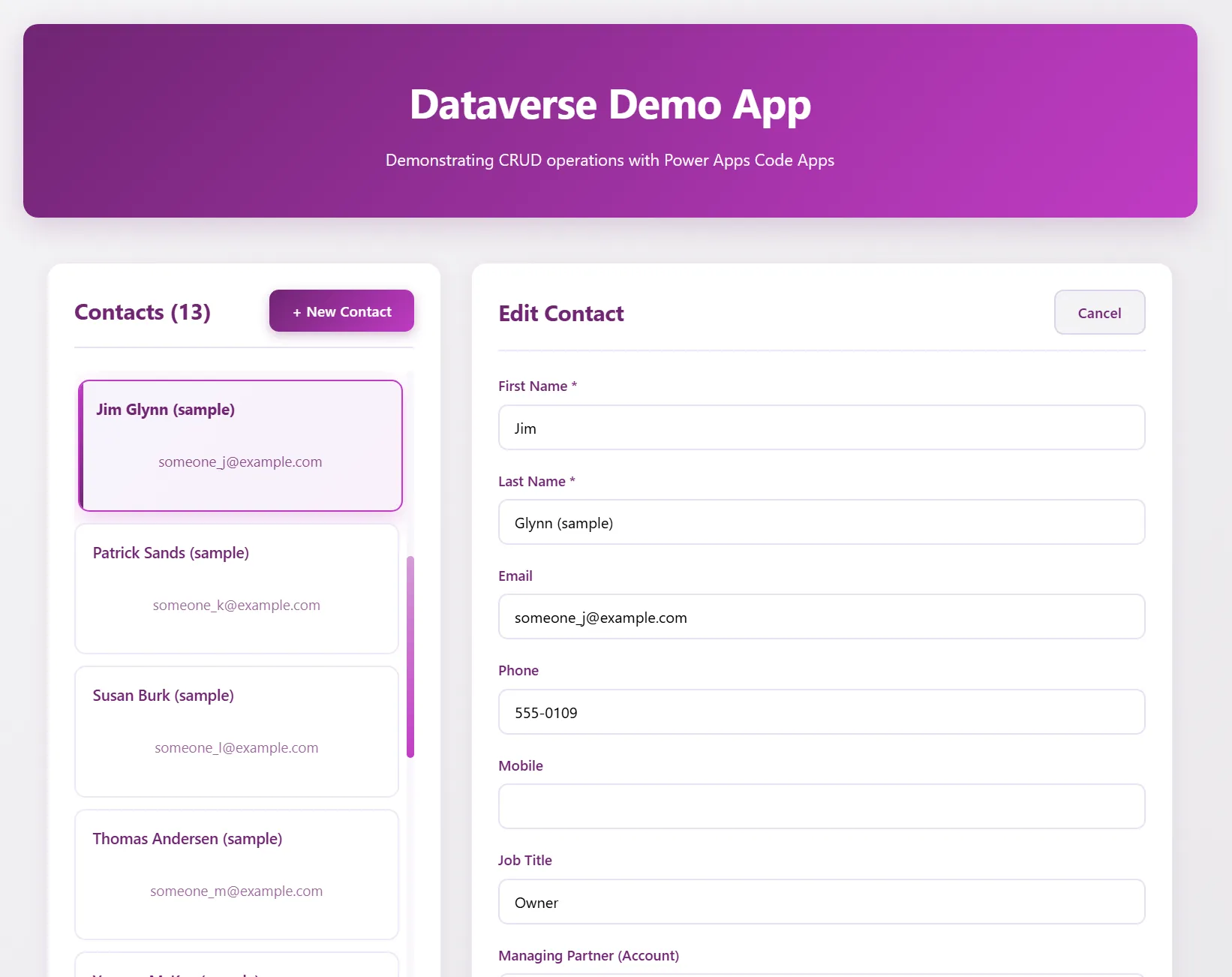
A Dataverse demo app built as a Power Apps code app. Image: Microsoft.
ServiceNow Build Agent is the only vendor offer that officially supports third-party coding agents: skills for Claude Code, Cursor, Windsurf and GitHub Copilot deploy apps to the ServiceNow platform, with approvals and audit trails. Best for existing ServiceNow customers.
Databricks Apps and Snowflake Apps run data apps next to the data, with workspace SSO and the platform’s permissions; Databricks pairs them with Lakebase, a managed Postgres. Best for data and AI apps at existing customers.
Google AI Studio publishes prompt-built apps to Cloud Run in one click, with Firestore or Cloud SQL for PostgreSQL and Firebase Auth. It is a developer path on Google Cloud rather than a governed internal-app platform.
AI low-code builders
Retool generates low-code apps on top of existing databases, with SSO, RBAC and audit logs, and is the only vendor that can be self-hosted. Its apps are Retool apps, not code projects.
AWS App Studio builds apps from a text prompt; building is free and you pay for end-user usage.
Salesforce Agentforce Vibes builds apps and agents with Salesforce’s own coding agent, for Salesforce-centric companies.
The rule of thumb is simple: if a company is already standardized on one of these vendors, its platform is the natural first choice. For everyone else (mixed stacks, Google Workspace shops, companies that want their data at home), none of them fits.
Open-Source Backends
Open-source backends give companies back control over where apps and data live, and any AI tool can target them.
| Project | Best for | Main catch |
|---|---|---|
| Nubase | Many Supabase-style apps on one server | Very young, partial Supabase compatibility |
| PocketBase + PocketHost | Lightest turnkey setup | SQLite, no SAML, pre-1.0 |
| Appwrite | Most complete multi-project platform | Proprietary API, no SQL |
| Supabase | Compatibility with AI tools and Postgres | One full stack per project |
| InsForge | Agent-native Postgres backend | One stack per project |
| Nhost | Postgres with GraphQL | One stack per project |
| Convex | Reactive TypeScript backends | Document store, one backend per project, FSL license (source-available, Apache-2.0 after two years) |
| Parse Server | Proven, long-lived apps | No multi-tenancy, aging |
| Bknd | A lightweight TypeScript backend | Pre-1.0 |
| TrailBase | A fast single-binary backend | Alpha, OSL license |
Only three of them (Nubase, PocketBase with PocketHost, and Appwrite) host dozens of apps on one server out of the box, and each comes with a trade-off. Supabase is the most mature and the one most AI tools already know, but self-hosted it needs a full stack per project and does not host frontends.
Nubase
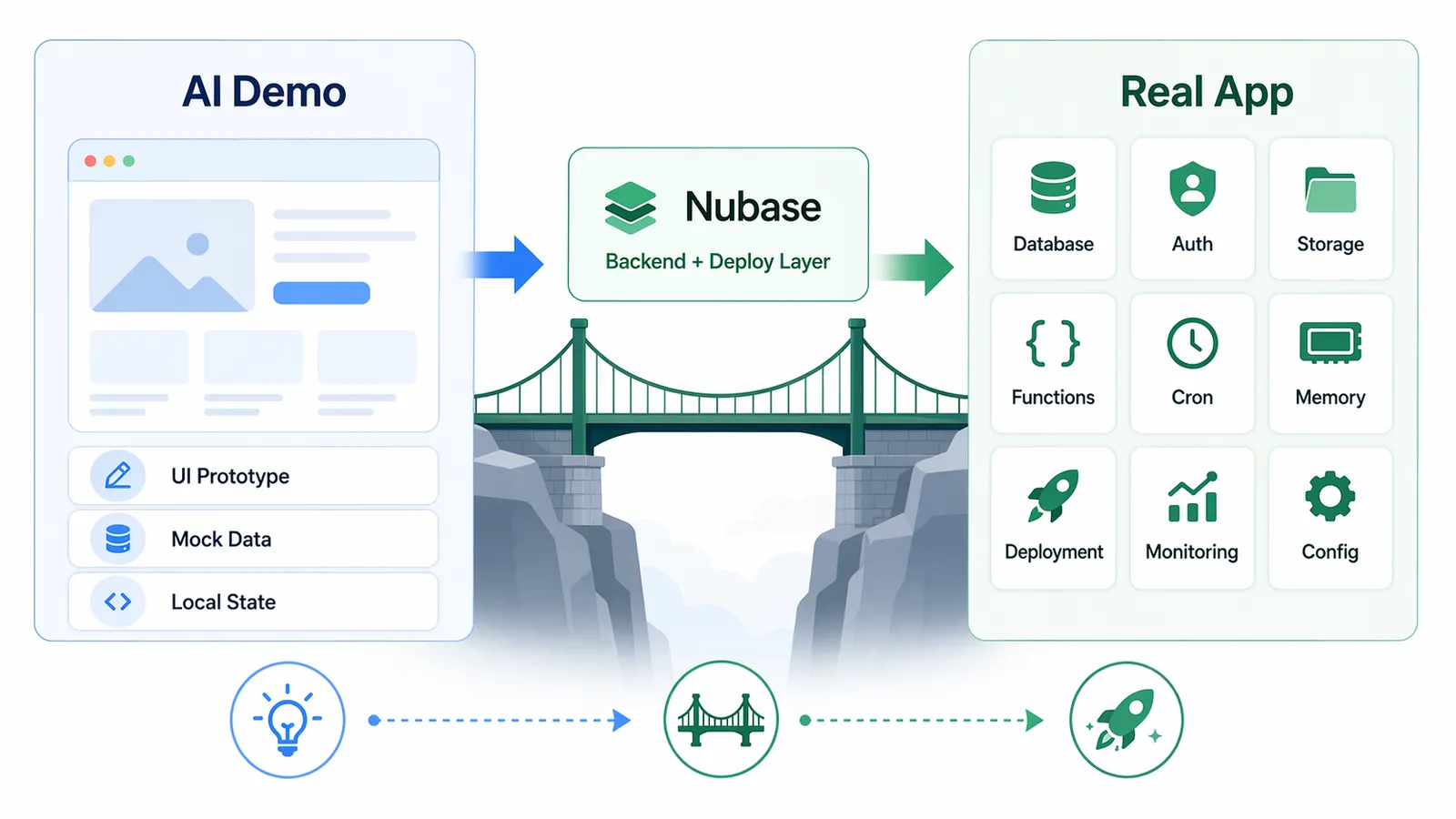
Nubase is the open-source project closest to the requirements: one control plane provisions a dedicated Postgres database per project, with auth, storage, edge functions, static frontend hosting, cron, a multi-project studio and an MCP server for coding agents. It suits teams that want Supabase-style apps, many per server, today. But the project is very young (about 600 GitHub stars, Apache-2.0 license), PostgREST and auth are re-implemented in Java so supabase-js compatibility must be tested, and there is no realtime or backups yet.
PocketBase with PocketHost
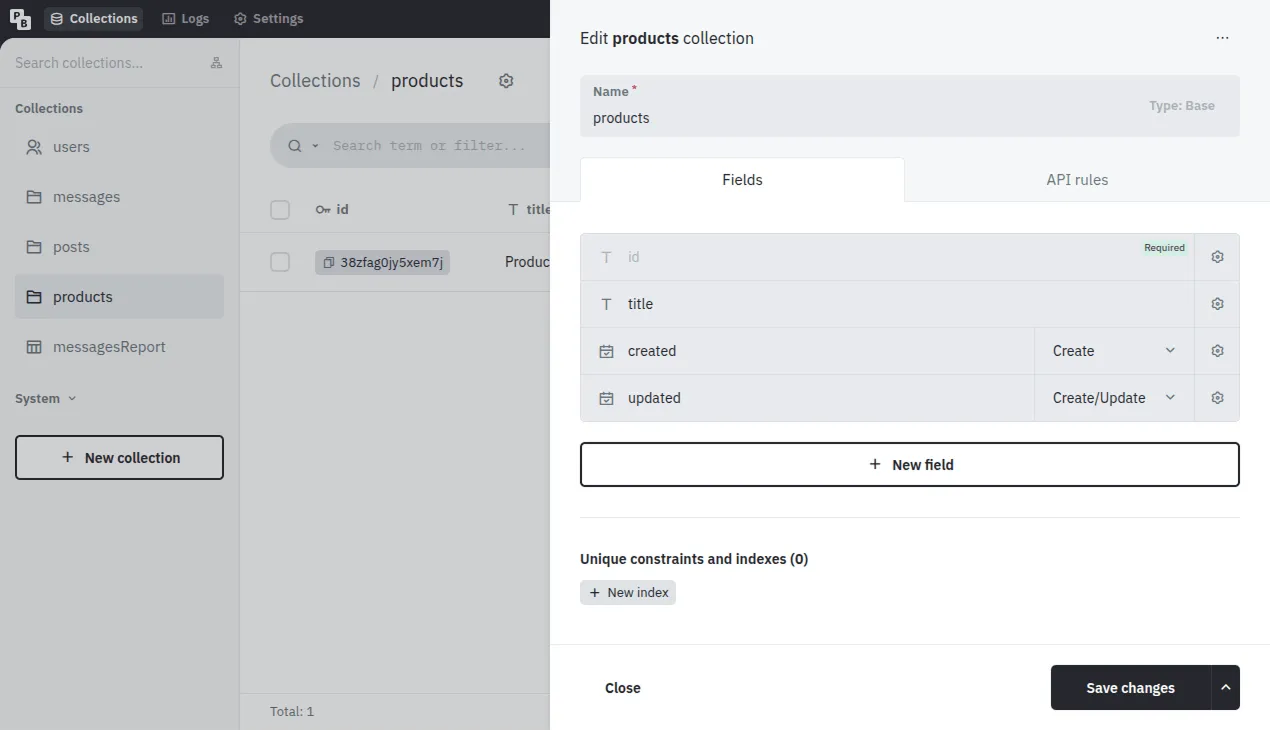
PocketBase packs a database, realtime, auth, file storage, email, logs and an admin UI into one Go binary; PocketHost runs many PocketBase instances on one server, each on its own subdomain. It is the most turnkey and cheapest self-hosted setup, since each app is one small process. The trade-offs are SQLite instead of Postgres, no SAML, server-side logic in an embedded JavaScript engine, no backward-compatibility guarantee before 1.0, and a single main maintainer. It is MIT-licensed, with about 61k GitHub stars.
Appwrite
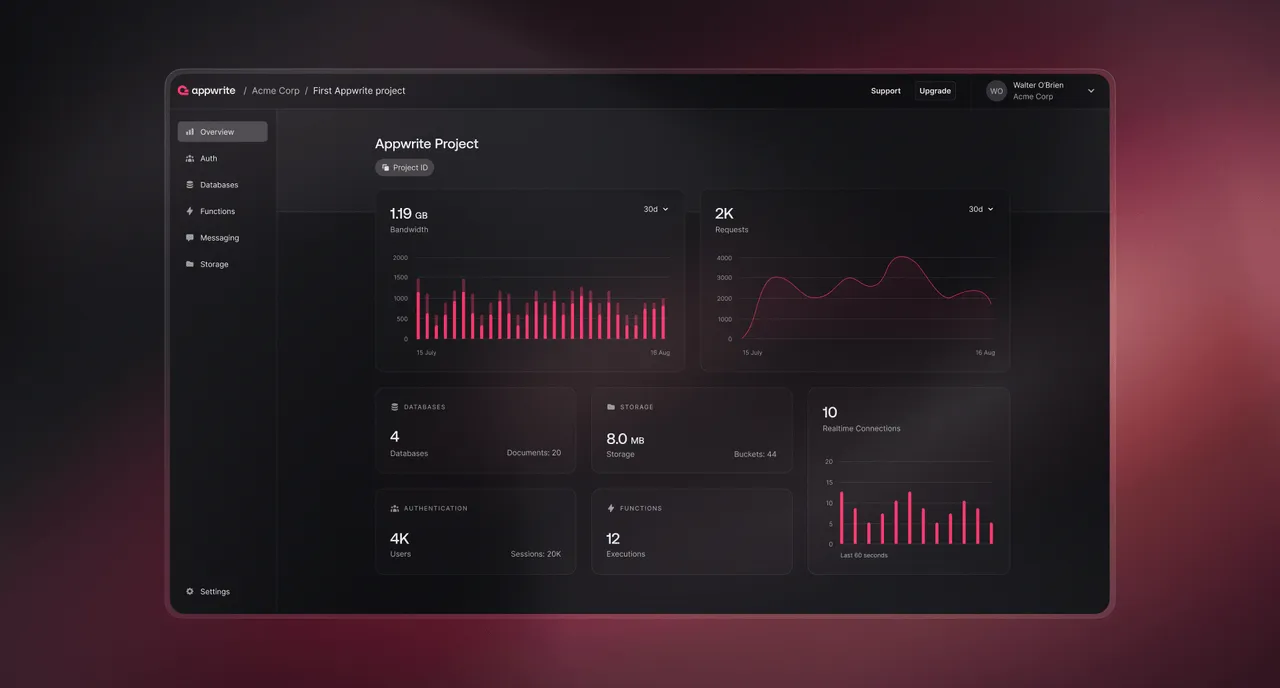
Appwrite is a mature all-in-one platform: auth, databases, functions in 15 runtimes, email/SMS/push messaging and site hosting, with many projects in one self-hosted instance and an MCP server. It suits companies that want the most complete feature set and a large community (about 57k GitHub stars, BSD-3-Clause license). The catch is that data goes through Appwrite’s own API, with no SQL access, and access rules are Appwrite’s per-row permissions rather than Postgres row-level security.
Supabase
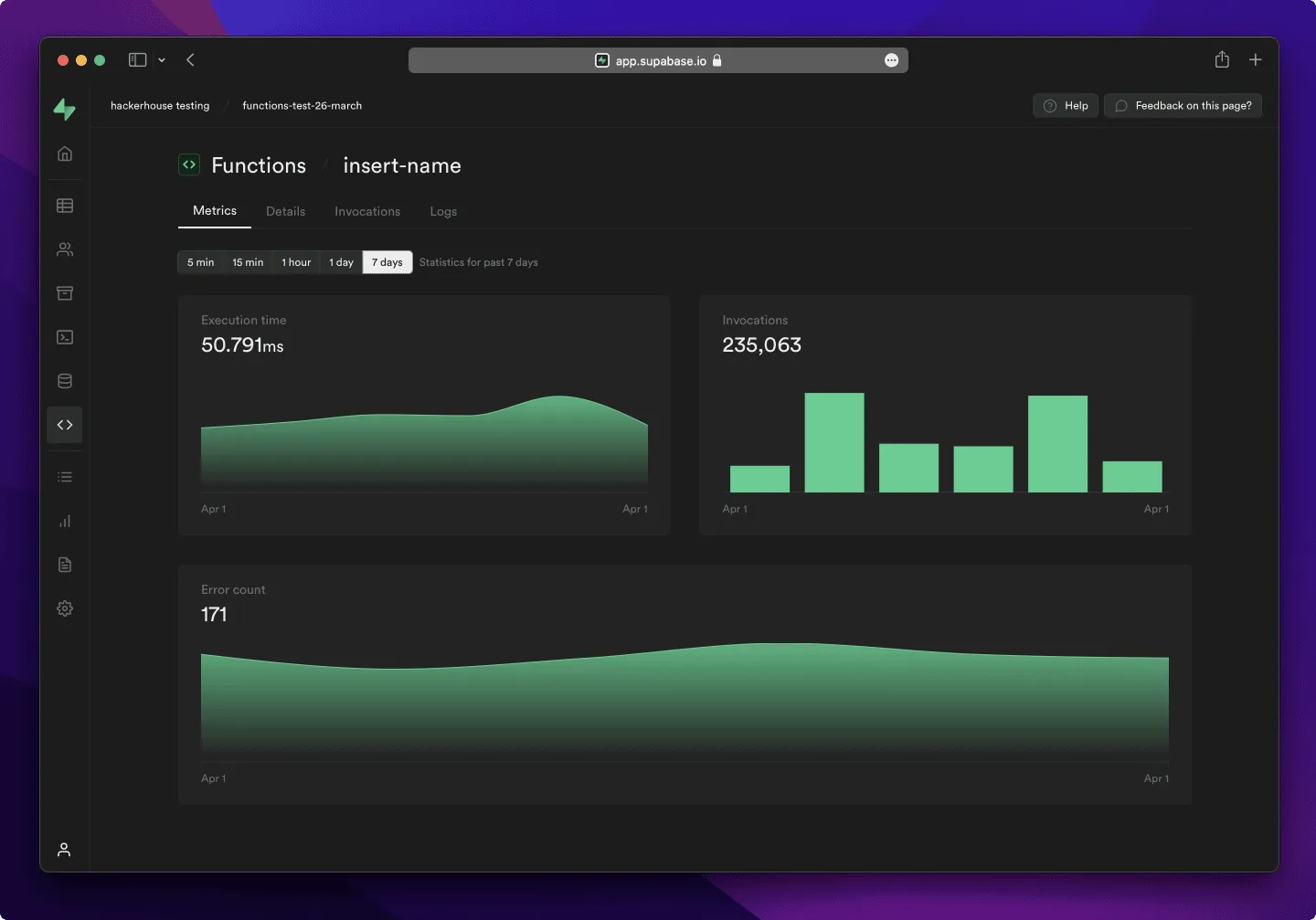
Supabase is our reference: Postgres with row-level security, auth with SAML, storage, edge functions, and the backend most AI tools already know how to use. It is the best choice for compatibility with Lovable exports and AI-generated code, and it has the largest community (about 108k GitHub stars, Apache-2.0 license). But self-hosted Supabase is one full stack per project, with a single-project studio and no frontend hosting.
Build Your Own Platform
The last option is to build a custom platform. It sounds expensive, but coding agents change the math: the platform described in the next article took one developer about two weeks with Claude Code, on top of existing open-source components. Count a few person-months rather than person-years to reach production grade, provided someone on the team knows the underlying infrastructure well.
The main risk lies in running it. Once dozens of apps depend on the platform, the company becomes its own vendor: every upgrade, security patch and backup restore is its responsibility, for all apps at once.
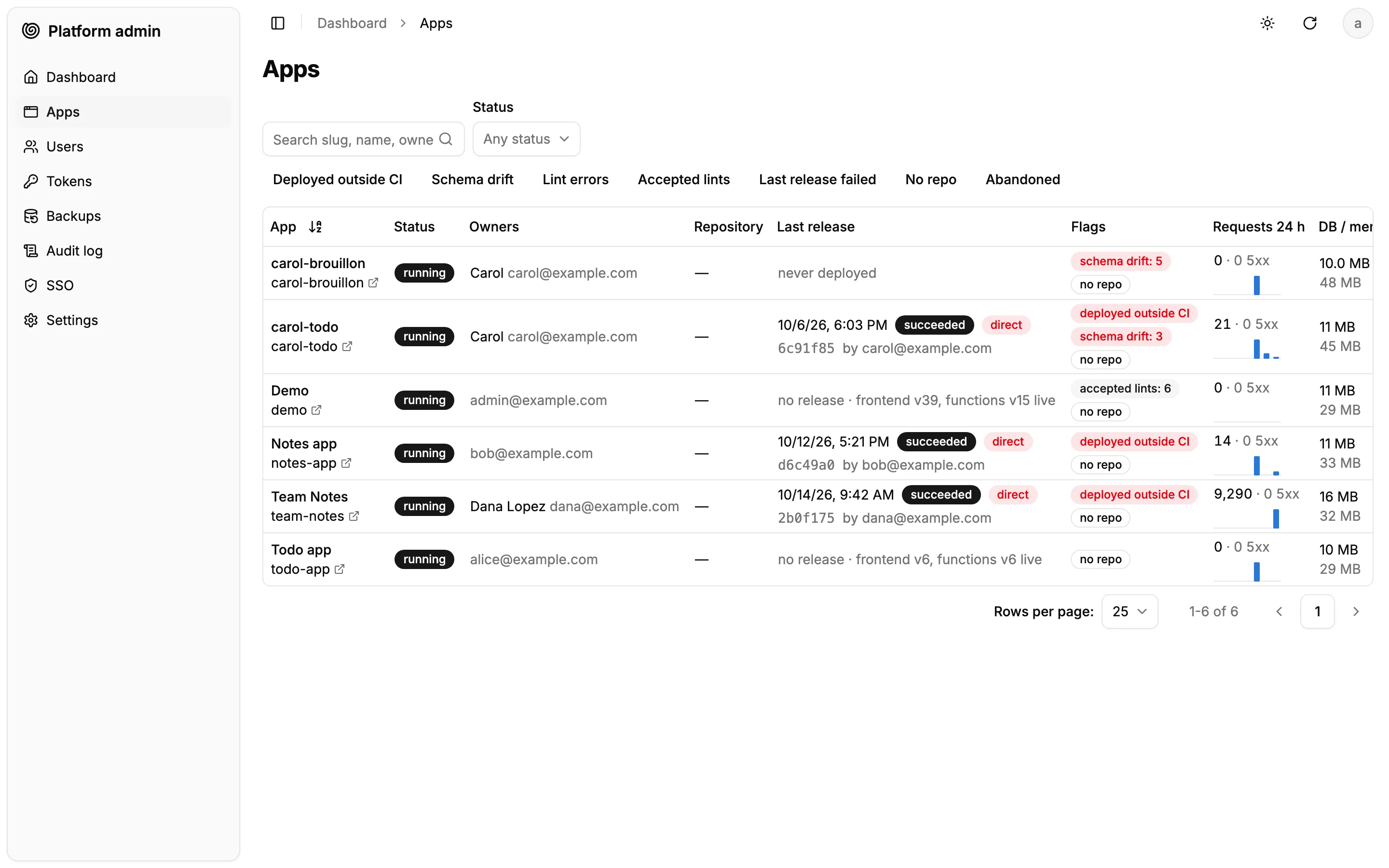
It is the most work of the four options, but also the only one that ticks every requirement. The next article describes a platform we built this way.
How to Choose
The right answer depends less on the apps than on the company’s existing stack and on where its data must live.
| Your situation | Best starting point |
|---|---|
| Need speed, low friction, no IT supervision | Lovable, Replit Enterprise for strict controls, Base44 for EU data residency |
| Standardized on Microsoft 365 | Microsoft Copilot Managed Runtime or Power Apps code apps |
| Already a ServiceNow, Databricks or Snowflake customer | That vendor’s app runtime |
| Need self-hosting and many small apps, turnkey | PocketBase with PocketHost (lightest) or Appwrite (most complete) |
| Need self-hosting with total control | Build your own AI Platform |
The market is moving fast: most of the offers above launched or changed in 2026, and the self-hosted, vendor-neutral corner is still almost empty. I expect OpenAI and Anthropic to enter this space soon.
What does a custom AI platform look like? The second article in this series, Building Your Own AI Platform, shows one example in detail, and shares tricks to adapt it to different company needs.
Authors
Marmelab founder and CEO, passionate about web technologies, agile, sustainability, leadership, and open-source. Lead developer of react-admin, founder of GreenFrame.io, and regular speaker at tech conferences.